Sending money from GoTyme to GCash costs ₱0 for most people: GoTyme gives every customer 20 free InstaPay transfers to any bank or e-wallet each month, and only the 21st transfer onward costs ₱9. This guide shows how to transfer GoTyme to GCash step by step, how to stay inside the free quota, the limits that apply, and what to do if the money does not arrive.
GoTyme to GCash fees at a glance
GoTyme's Fees & Free Transfers help page sets out the current rules:
| What you send | GoTyme fee |
|---|---|
| InstaPay transfers 1 to 20 in a calendar month | Free |
| InstaPay transfer 21 onward in the same month | ₱9 each |
| PESONet transfers | Free |
| GoTyme to another GoTyme account | Always free |
A few details from the same page matter for GCash transfers:
- The counter resets on the 1st of every month. Unused free transfers do not carry over.
- You can use all 20 in one day, as long as each transfer stays within InstaPay's ₱50,000 per-transaction limit and the ₱500,000 daily limit.
- There are no other transfer charges. GoTyme says the ₱9 fee after the free quota is the only one.
GoTyme moved to this model on September 3, 2025, according to its announcement. Before that, its fee page says, it offered three free InstaPay transfers a week, then a "Pay One Free One" scheme from January 13 to September 2, 2025. If a friend or an old blog post quotes a different fee, it is probably from one of those older schemes.
How much will it cost you?
By our math, using GoTyme's published fee:
- Sending an allowance to a family member's GCash every week is about 4 to 5 transfers a month. All of them fall inside the free 20, so the cost is ₱0.
- Sending 30 transfers in one month (for example, a small seller paying suppliers) means 10 transfers past the quota: 10 × ₱9 = ₱90 for that month.
For comparison, Maya charges ₱10 for every successful InstaPay transfer from a Maya account to another bank or e-wallet. Ten transfers a month from Maya would cost ₱100, while the same ten from GoTyme cost ₱0. Our Maya to bank guide covers Maya's own no-fee route.
Paano mag transfer GoTyme to GCash?
The quickest way is by mobile number: open the GoTyme Bank app, tap Send & Transfer, choose Mobile number, pick GCash and type the recipient's number. GCash takes InstaPay transfers from other institutions; Maya, for example, lists GCash among the InstaPay recipients on its bank transfer page.
These are the full steps from GoTyme's How to Send Money help page, under "How do I send money to other banks or e-wallets?":
- From the Home screen, tap Send & Transfer.
- Choose Mobile number as the method.
- From the list, select the recipient's bank or e-wallet (GCash).
- Enter the mobile number, the recipient's name and an optional note.
- Enter the amount and tap Next.
- Select the purpose of the transfer.
- Review the transfer summary and tap Send now.
- Confirm with your passcode, Touch ID or Face ID.
- Wait for the Transfer Successful message.
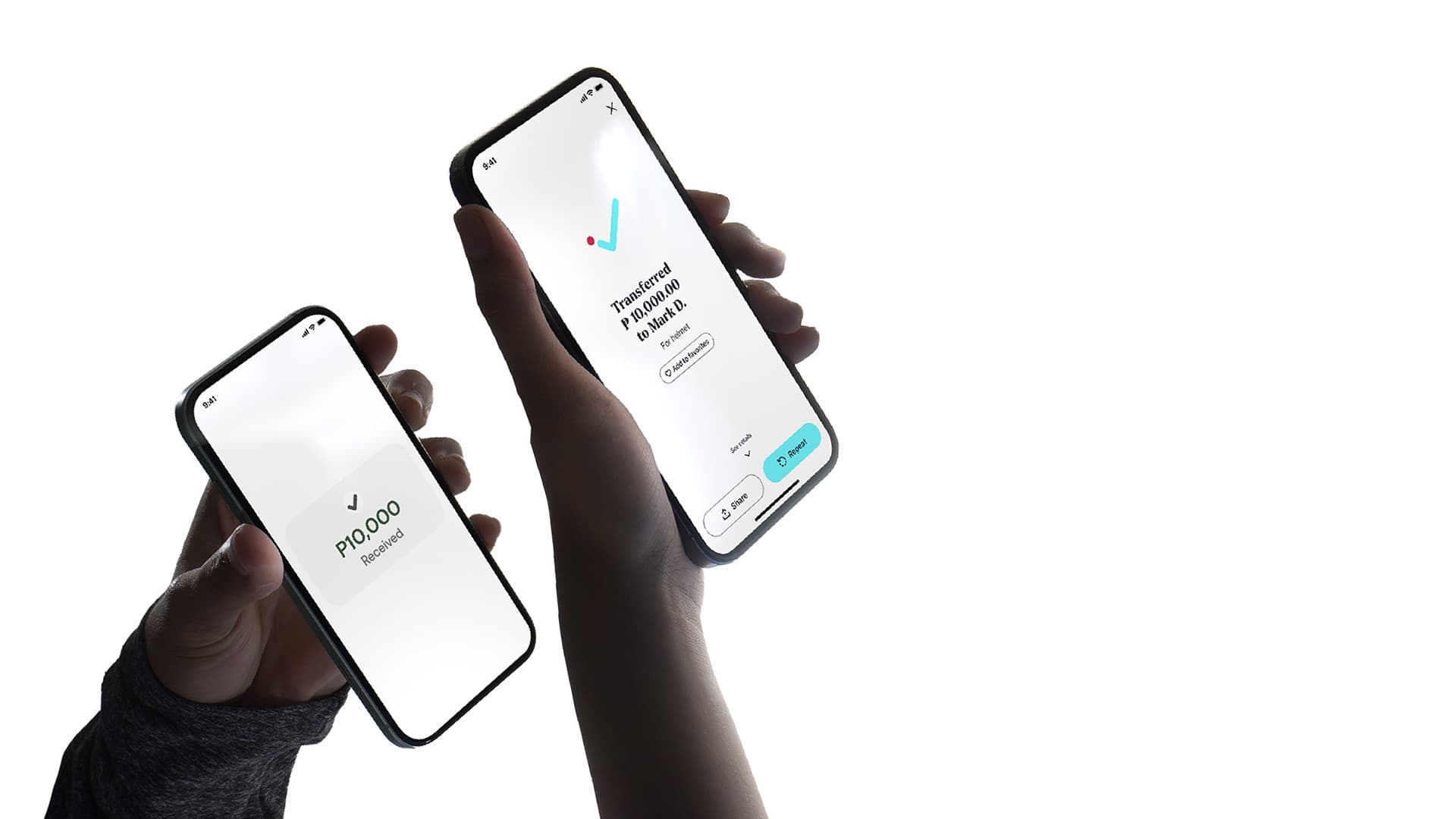
From the success screen you can tap Share to send the recipient a copy of the confirmation, Add to Favorites to save them, or Repeat to send again. Sharing the confirmation is worth doing, because it is the record you will need if anything goes wrong.
Sending by account number instead
GoTyme's same help page lists an Account number method with the same flow. Choose Account number in step 2, select the bank or e-wallet, then enter the account number, the recipient's name and an optional note. The last step reads Transfer now instead of Send now. Use this method when the recipient gives you an account number rather than a mobile number.
Send to GCash by scanning a QR code
If the recipient can show or send you a QR code from their e-wallet, you can skip typing details. GoTyme's QR transfer steps are:
- From the Home screen, tap Scan QR.
- Scan or upload the QR code of the recipient's bank or e-wallet.
- Enter the amount and tap Next.
- Confirm the account details and add an optional note.
- Review the summary and tap Transfer.
- Confirm with your passcode, Touch ID or Face ID.
- On the Transfer Successful screen, you can download a receipt image.
One rule matters for your free quota. GoTyme says a QR transfer to another person's account (person-to-person) counts toward your 20 free InstaPay transfers. Paying a merchant through QR Ph is treated as a payment and does not use up a free transfer. The Move Money page adds that fees may apply to QR Ph transfers, so check the summary screen before you confirm.
Limits: how much can you send to GCash at once?
GoTyme's help centre gives these limits for transfers to other banks and e-wallets:
- InstaPay: up to ₱50,000 per transaction and ₱500,000 per day. It runs in real time, 24/7, including weekends and holidays.
- PESONet: no fixed per-transaction cap, but your daily transfer limit still applies.
The app chooses the route for you. If your transfer is ₱50,000 or below, it goes through InstaPay; above ₱50,000, it goes through PESONet. PESONet is free on GoTyme but not instant: it posts the same banking day if sent before the cut-off, or the next banking day if sent after the cut-off, at night, on a weekend or on a holiday, according to GoTyme's transfer speed page.
GCash also sets its own limits on how much a wallet can receive and hold. We could not read GCash's help centre to confirm those figures, so before you send a large amount, ask the recipient to check that their GCash account can take it.
Pay the ₱9 fee with Go Rewards points
Past your 20 free transfers, you can cover the fee with Go Rewards points instead of cash. On the transfer summary screen, turn on the option to pay with points. GoTyme's Go Rewards help page sets the rate for transfer fees at 1 point = ₱1.00. By our math, one ₱9 fee uses 9 points. (The same page still shows an older ₱8 example; the current fee page says ₱9.)
Points are worth more this way than as cash. The same page says points redeemed as cash convert at 1 point = ₱0.80, up to 1,000 points (₱800) a day. So 9 points cover a ₱9 fee, but would only give you about ₱7.20 as cash. GoTyme's 20-free-transfers announcement says you earn points by using GoTyme to pay bills, ride the MRT or buy load.
What if the money has not reached GCash?
InstaPay transfers usually arrive within seconds. GoTyme says they may take a few minutes, or up to 24 hours, when the sending bank, the receiving e-wallet or the InstaPay network has delays or downtime. During maintenance, a transfer may fail or stay "In-Progress". GoTyme usually shows an advisory banner in the app for scheduled maintenance. For sudden outages, it suggests checking the receiving side's status directly.
If the transfer still has not arrived, contact GoTyme through in-app chat, by email at help@gotyme.com.ph or on its hotline #468888, the channels listed on the Move Money page. Keep the shared confirmation or receipt ready.
Sent to the wrong GCash number?
GoTyme cannot cancel a transfer once it shows as successful, for both InstaPay and PESONet. What happens next depends on the mistake, its how-to-send help page explains:
- The number or account does not exist, or the account is closed. The transfer will likely fail or bounce back, and the money returns to your GoTyme account within 2 to 3 business days.
- The number is valid but belongs to the wrong person. The transfer goes through and cannot be reversed automatically. GoTyme can coordinate with the receiving e-wallet, but the account holder must agree to return the money.
Contact GoTyme right away through the app or hotline if this happens. Read the number back to the recipient before you tap Send now; it is the simplest way to avoid this. If someone pressured or tricked you into sending the money, treat it as a scam and see our guide on every way to report a scam text in the Philippines.