Taking ₱5,000 out of GCash costs ₱100 at a partner outlet but only ₱18 at an RCBC ATM, so how you cash out matters more than where. GCash gives you three ways to turn your wallet balance into cash: a partner outlet, a cardless QR withdrawal at RCBC ATMs, and an ATM withdrawal with a GCash Card. This guide covers the steps for each, what each one costs, and which route is cheapest for the amount you need.
All fees below come from GCash's own fee schedule, which GCash marks as updated on September 10, 2026, and from RCBC's pages on its ATM service. Fees can change, so the app always shows the final amount before you confirm.
GCash cash-out fees at a glance
| Method | Fee | Limits | What you need |
|---|---|---|---|
| Partner outlet (store, pawnshop, payment centre) | 2% of the amount | Not listed by GCash | GCash app |
| GCash Pera Outlet (Pa-Cash Out) | 2% of the amount | Not listed by GCash | GCash app |
| RCBC Scan to Withdraw (no card) | ₱18 flat | ₱100 to ₱5,000 per withdrawal | Fully Verified GCash account |
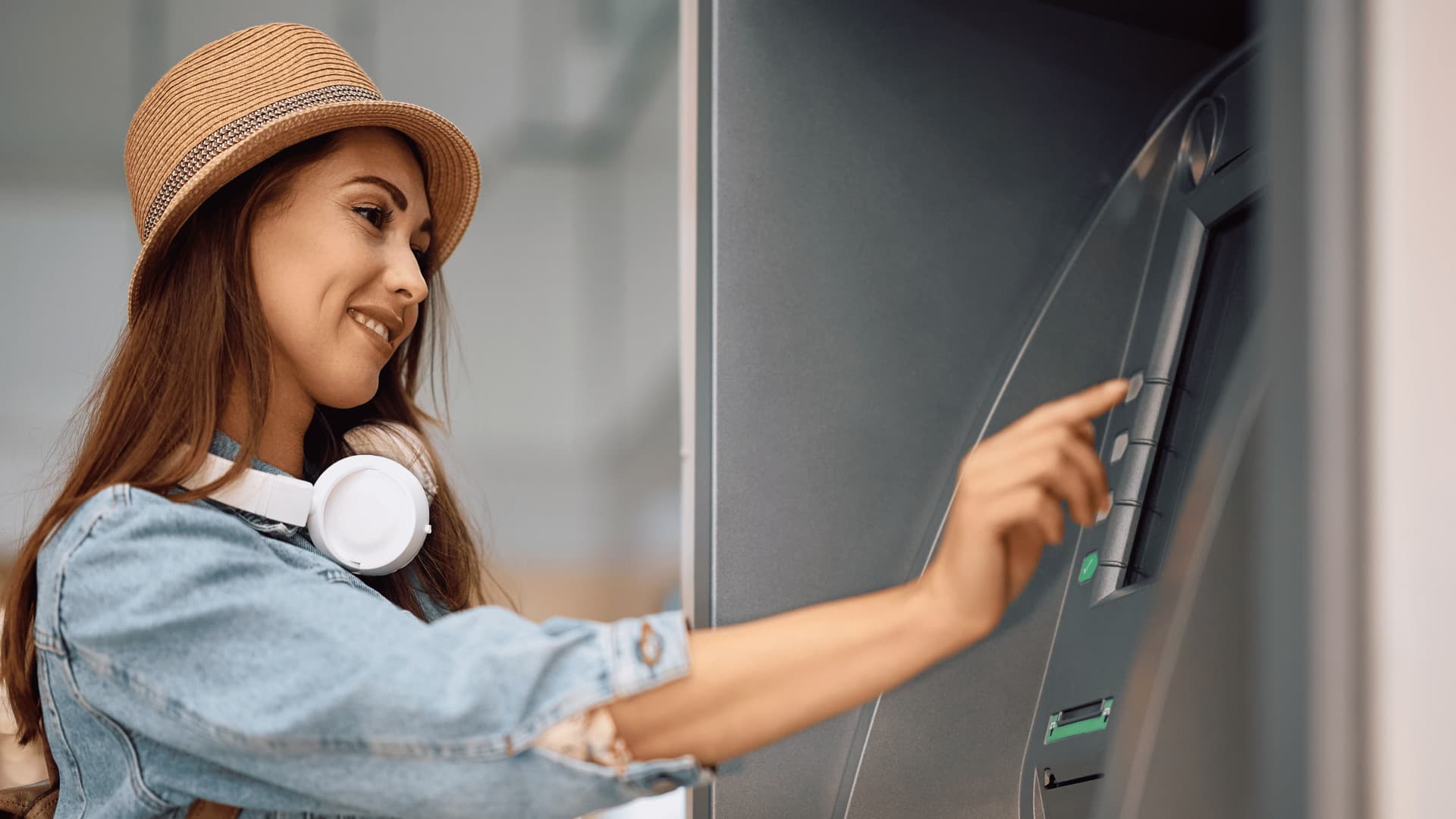
| GCash Card at a Visa or BancNet ATM | ₱8 to ₱20, depending on the ATM | Not listed by GCash | GCash Card (₱250 to order) |
The 2% outlet fee, the ₱18 RCBC fee, the ₱8 to ₱20 ATM fee and the ₱250 card order fee are all listed in GCash's fee schedule under "Offline Cash Out", "GCash Pera Outlet" and "Cards".
Which cash-out method is cheapest?
The 2% fee grows with the amount. The RCBC fee does not. By our math, using GCash's published rates, the two cost the same at ₱900 (2% × ₱900 = ₱18). Above that, RCBC is cheaper:
- ₱1,000: ₱20 at an outlet vs ₱18 at RCBC
- ₱3,000: ₱60 at an outlet vs ₱18 at RCBC
- ₱5,000: ₱100 at an outlet vs ₱18 at RCBC
Below ₱900, a partner outlet is cheaper. At RCBC's ₱100 minimum, the ₱18 fee is 18% of what you take out, while an outlet charges ₱2.
The GCash Card's ₱8 to ₱20 per ATM withdrawal is the cheapest per withdrawal if you take cash out often. But the card first costs ₱250 to order. By our math, if you would otherwise pay about ₱100 per ₱5,000 at an outlet, the card pays for itself after about three withdrawals of that size.
There is no fee-free cash-out route on GCash's fee schedule. If you only need to pay someone, sending to their GCash account is free for the first 500 sends a month, according to the same fee schedule, so you may not need cash at all.
How to cash out GCash at a partner outlet
GCash says you can cash out at over 413,000 partner outlets and branches nationwide. The steps in the app:
- Open the GCash app, tap View all on the dashboard, and select Cash Out under Others.
- Select a partner merchant. Tap View all for the complete list, or search by location to find an outlet near you.
- Follow the instructions shown in the app. GCash notes that the procedure can differ from one outlet to another.
- Wait for the confirmation message and collect your receipt.
Can you cash out GCash at 7-Eleven, Palawan or a sari-sari store? GCash's public Cash Out page does not name its partners. It points you to the in-app list and the location search instead. Before you go, search that list for the store or pawnshop near you rather than assuming a branch takes GCash.
Paano mag withdraw sa GCash kahit walang card?
Use RCBC Scan to Withdraw. You generate a QR code in the GCash app and scan it at an RCBC ATM, so you do not need any card. RCBC says the service now works across its ATM network of more than 1,500 machines nationwide, after starting at select ATMs in Metro Manila and Cebu.
Before you start, check these rules from RCBC's Scan to Withdraw FAQ:
- You must be a Fully Verified GCash user.
- Your wallet needs the amount you want plus the ₱18 fee.
- The minimum is ₱100 and the maximum is ₱5,000 per withdrawal.
- Each QR code is valid for only 5 minutes, so stand near the ATM before you make one.
- If you make three QR codes in a day and use none of them, the app temporarily stops you from making new ones.
- You cannot screenshot or download the QR code.
Steps in the GCash app:
- Tap View All, then Cash Out.
- Tap RCBC Scan to Withdraw, then Generate QR Code.
- Enter the amount and tap Next.
- Review the details and tap Proceed. Your Cash Out QR code appears.
Steps at the RCBC ATM:
- Press Enter and select QR Cash Withdrawal.
- Place the QR code on your phone under the scanner.
- Review and confirm the details.
- Collect your cash within 20 seconds.
GCash deducts the amount and the ₱18 fee as soon as you generate the code. If something goes wrong, RCBC says the money returns to your wallet automatically within 10 minutes.
How to withdraw from GCash with a GCash Card
The GCash Card is a Visa card linked to your wallet. GCash's Cards page says you can use it to withdraw at any Visa or BancNet ATM, and that getting one needs no bank account and no documents. Look for the Visa or BancNet logo on the ATM.
One note: GCash's Cash Out page still describes the older GCash Mastercard for ATM withdrawals at BancNet or GCash-affiliated ATMs. The newer Cards page and the fee schedule both describe the Visa card, so follow those.
To order the card, per the Cards page:
- Open GCash, tap View All, and under Manage tap Cards.
- Tap Order a card, then Send me a card.
- Confirm the name on your card and fill in your delivery details.
- Select GCash and tap Pay. The fee schedule lists ₱250 for a card order, and the app shows the delivery fee before you pay, per GCash's Cash Out page.
To link and activate it when it arrives:
- Go to Cards again and tap Link my card.
- Enter the one-time PIN (OTP) sent to you by text.
- Enter the last 4 digits of your card and your virtual account number, then tap Next.
- Choose a 6-digit card PIN.
After that you can withdraw at an ATM like any debit card. GCash reminds users that the 6-digit card PIN is different from the 4-digit MPIN (the PIN you use to log in to the app). Never share either one, including with anyone claiming to be from GCash.
Another route: send it to your bank first
If you have a bank account, you can move money from GCash to it and withdraw there. GCash charges ₱10 per bank transfer through InstaPay, up to ₱50,000 per transaction, per the same fee schedule. Your bank's own ATM rules then apply. This beats the 2% outlet fee for any amount above ₱500 (2% × ₱500 = ₱10), by our math. Our guide on how to transfer GCash to a bank account walks through the steps.
What to do if a cash-out fails
- RCBC QR withdrawals: wait 10 minutes for the automatic refund, then check your balance.
- Any cash-out: in the GCash app, tap Transactions, open the transaction, and tap Get Help to file a ticket. RCBC's FAQ gives these same steps for GCash concerns.
- Call GCash: 2882 from Globe or TM, or (02) 7213-9999 from other networks (fees may apply), as listed on GCash's Cash Out page.
If someone contacts you first and asks for your MPIN, card PIN or a one-time PIN to "fix" a cash-out, it is a scam. Our guide on reporting scam texts in the Philippines lists where to report it.