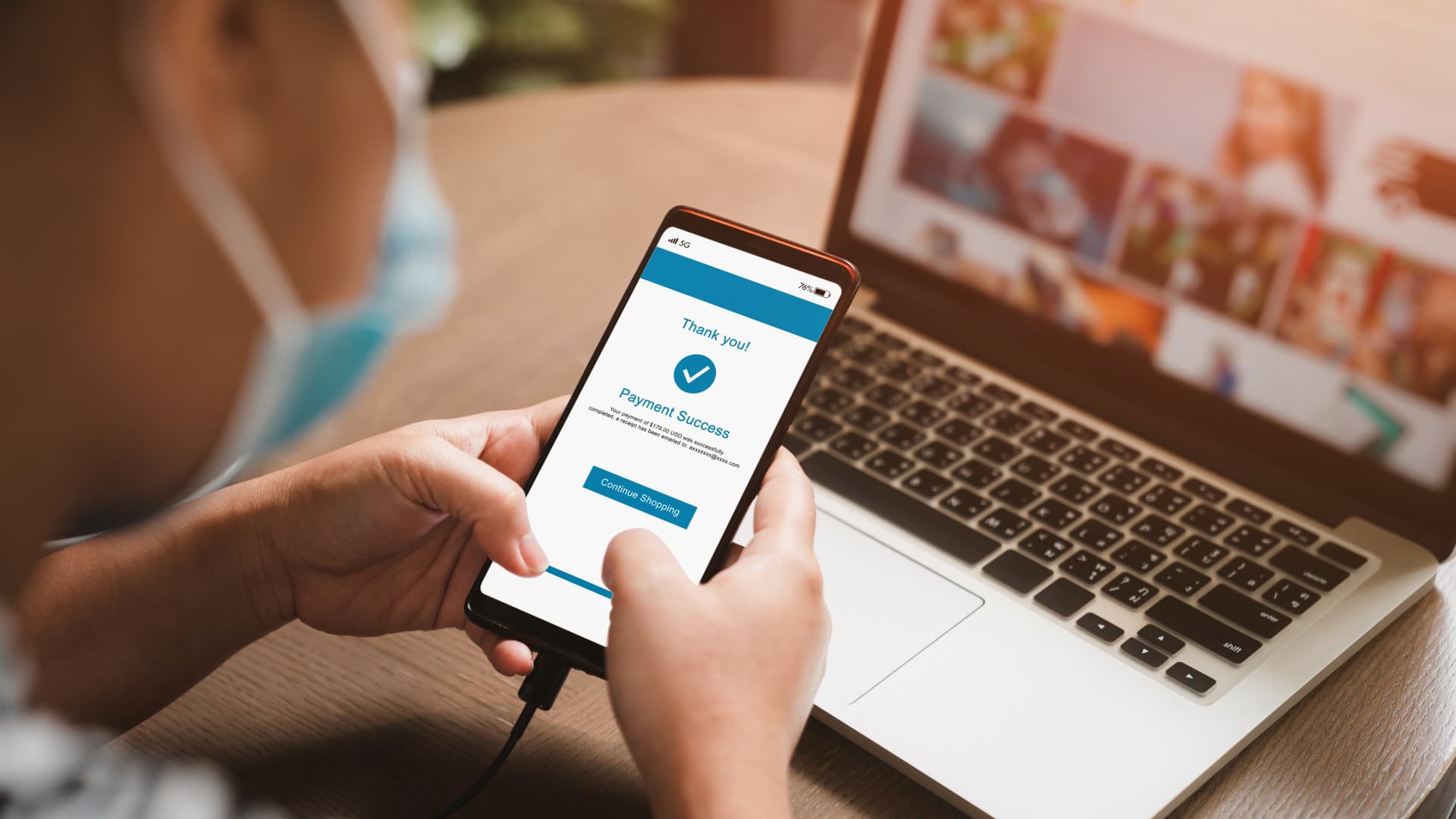
Paying your Meralco bill in Maya takes eight short steps and your 10-digit Customer Account Number, and Maya says bills paid in the app are posted within 24 hours. This guide covers how to pay bills in Maya step by step, the details each common biller asks for (Meralco, Maynilad, Manila Water, Converge, PLDT and Globe), when a convenience fee applies, and how Maya XP can waive some of those fees.
How to pay bills in Maya: the basic steps
Every biller follows the same basic flow. Maya's Bills Payment page lists six steps:
- Open the Maya app and tap Bills on the home screen.
- Choose the biller.
- Enter the details the biller asks for, such as your account number.
- Enter the amount to pay.
- Confirm the payment.
- Wait for Maya's confirmation by SMS.
Billers are grouped by category on the same page, including Electric Utility, Water Utility, Cable and Internet, Telecoms, Credit Cards, Government and Toll. Your Maya account number is simply your mobile number, the page notes.
Two features make the next payment faster. In its April 2025 step-by-step guide, Maya says you can save up to 20 favourite billers and set recurring notifications that remind you to pay on time.
Paano magbayad ng kuryente sa Maya?
To pay your Meralco (electricity) bill, Maya's Meralco quick guide gives these steps:
- Log in to the Maya app and tap Bills.
- Under Electric Utility, choose Meralco.
- Enter your 10-digit Meralco Customer Account Number (CAN).
- Enter the amount to pay.
- Tap Continue and check the transaction details.
- Confirm, then wait for the notice that the payment is complete.
- Check your Activity list to see the payment's status and details.
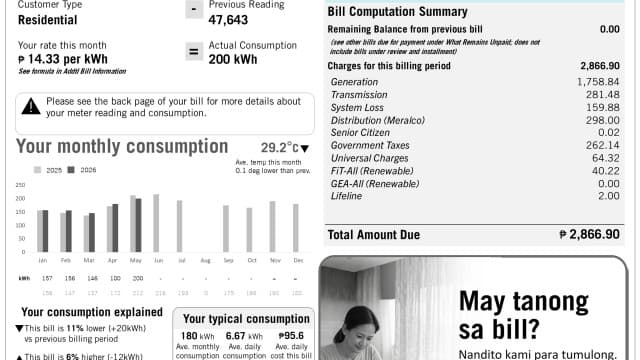
If you don't have your bill to hand, our guide on checking your Meralco bill online shows how to see the amount due first.
Outside Metro Manila, the Electric Utility list also carries many electric cooperatives, the Bills Payment page shows, and Maya's April 2025 guide names Visayan Electric Company (VECO) among its utility billers.
How to pay water bills in Maya: Maynilad and Manila Water
Both Metro Manila water concessionaires are on Maya's Water Utility list, along with Metropolitan Cebu Water District and many local water districts.
For Maynilad, Maya's Maynilad quick guide lists these steps:
- Tap Bills in the Maya app.
- Choose Maynilad from the list of billers.
- Enter your account number and the amount to pay.
- Tap Continue and confirm the payment details.
- Wait for the notice that the payment is complete, then check its status in your recent activity.
Maya has no separate quick guide for Manila Water, but it appears under Water Utility and follows the same basic steps above. Copy the account number exactly as it appears on your water bill.
How to pay internet and phone bills in Maya
Internet providers sit in two different categories, so check both if you can't find yours.
- Converge. Tap Bills, then Cable and Internet, then Converge. Enter your account number, the amount and the account name, tap Continue, confirm, and wait for the SMS, says Maya's Converge guide.
- PLDT. Choose PLDT Home or PLDT Ultera as the biller, then enter your account number, the amount and any other details asked, per Maya's PLDT guide.
- Globe broadband or landline. Go to Telecoms, then Globe Broadband. Enter your account number, telephone number and the amount, then tap Continue and confirm.
- Globe postpaid mobile. Go to Telecoms, then Globe Telecom, and enter your account number, Globe mobile number and the amount. Both Globe routes are in Maya's Globe guide.
Cable TV providers such as Cignal and Sky Cable are also on Maya's biller list.
Does Maya charge a fee for bills payment?
It depends on the biller. Maya doesn't publish one fee table for all billers. Instead, its help centre separates billers that carry a Biller Fee from those that don't: only payments to billers with a Biller Fee count toward Maya XP's waived-fee benefit, Maya's help centre says (updated December 2025). Maya's own August 2025 comparison of payment methods puts it the same way: digital bank apps often add no service fee "unless the biller requires a biller convenience fee."
So before you confirm, read the total on the confirmation screen. If it is higher than your bill, the difference is that biller's convenience fee.
That same Maya article says payment centres usually charge somewhere between ₱5 and ₱25 per bill. By our math, using that range, someone who pays three bills a month over the counter spends ₱15 to ₱75 a month (3 × ₱5 and 3 × ₱25), or ₱180 to ₱900 a year. Paying the same bills in the app saves that amount whenever the billers carry no fee in Maya.
How Maya XP waives bills payment fees
Maya XP is the app's level system. You gain XP by using Maya's features and unlock benefits as you level up, Maya explains. One benefit is waived fees on bills, and how often you get it depends on your level, per Maya's help centre:
| Maya XP level | How often bills fees are waived |
|---|---|
| Plus and Pro | Every third transaction (3rd, 6th, 9th…) |
| Elite and Ultra | Every other transaction (2nd, 4th, 6th…) |
Only payments to billers with a Biller Fee count toward this benefit. Your progress pauses if you lose eligibility for the benefit, and the counter resets only if you drop back to the Starter level, Maya adds.
By our math, if you pay one fee-carrying bill a month, a Plus or Pro user gets the fee waived on 4 of 12 payments a year (12 ÷ 3), and an Elite or Ultra user on 6 (12 ÷ 2).
Maya also runs short promos on bills fees. For example, a promo for April 1 to 30, 2026 waived convenience fees on up to three payments per user to select billers, including Converge, PLDT Home, Manila Water and Maynilad, with a ₱1,000 minimum per payment. That promo has ended, so check the app's Deals section for current offers.
How long before the payment is posted?
Maya describes its bills payment as real-time processing with instant confirmation in its January 2025 feature guide. Posting to the biller's own records can take longer: Maya's April 2025 guide says payments are posted within 24 hours after the transaction.
Because of that 24-hour window, paying on the due date itself leaves no margin. Paying at least a day early gives the payment time to post before your due date.
Keep the record of each payment. Every bill you pay appears in the app's transactions list, which shows what you paid and how much, Maya's January 2025 guide notes. Its May 2025 bills tips add that a transaction history makes a billing dispute easier to settle.
What to do if a bill payment goes wrong
If a payment hasn't reached the biller, timed out, or went to the wrong account, contact Maya directly through its official channels:
- In-app chat, available 24/7 from the Maya app, as listed on Maya's help centre.
- Maya Customer Hotline: (+632) 8845-7788, or domestic toll-free 1-800-1084-57788, both on the Bills Payment page.
Have the payment's details from your transactions list ready, including the biller, the account number you entered and the date. Maya's help centre asks customers to always reach out through its official channels for any concern.
Maya or GCash for bills?
Both apps follow the same basic flow: pick the biller, enter the account number and amount, confirm. If you use GCash too, our guide to paying bills in GCash covers its steps and fees for the same billers. And if you need to move money out of Maya to a bank instead, see how to transfer Maya to a bank.


Comments
Log in to leave a comment.
Log in