Paying your PLDT, Converge and Manila Water bills in GCash in the same month adds ₱23 in fees, going by the rates on GCash's official biller directory (₱7 + ₱10 + ₱6). The Meralco listing in the same directory shows no fee at all. This guide covers how to pay bills in GCash step by step, what each popular biller charges, and how long a payment takes to reach your account.
How to pay bills in GCash, step by step
GCash calls its bills feature GBills. GCash's Bills page lays out six steps:
- Open the GCash app and tap Bills on the Dashboard.
- Select a biller category, the type of bill you are paying.
- Search for your biller, or scroll through the list.
- Enter your details. GCash says to make sure they are correct and up to date, and that this step differs from biller to biller.
- Check your balance. Make sure your wallet has enough for the payment, then proceed.
- Get your receipt. You can view, download or share it while GCash processes the payment, and GCash also sends a text message to confirm.
Before you confirm, look at the total. Meralco's own How to Pay page advises that provider fees, transaction limits and availability can differ, "so review the wallet summary before confirming."
Paano magbayad ng bills sa GCash?
Open the GCash app and tap Bills. Then pick the category (for example, Electricity), find your biller, type in your account number and amount, check your balance, and confirm. Keep the receipt GCash shows at the end and the confirmation text it sends.
Which bills can you pay in GCash?
The Bills page says GBills covers 2,400+ billers and merchants across the country. The biller directory sorts them into these categories:
- Electricity
- Water
- Cable/Internet
- Telecom
- Credit Card
- Loans
- Government
- Insurance
- Transportation
- Real Estate
- Healthcare
- School
- Payment Solutions
- Others
GCash bills payment fees and posting times
There is no single fee. GCash's fees page, updated as of September 10, 2026, says the Pay Bills fee "varies per biller ranging from PHP 0 - PHP 100." "Posting" means the moment the biller records your payment on your account.
Here is what the official biller directory listed for common household billers when we checked it on November 1, 2026:
| Biller (as listed by GCash) | When the payment posts | Added fee listed |
|---|---|---|
| Meralco | Within 24 hours | None listed |
| Visayan Electric | Within 24 hours | ₱4 |
| Davao Light | Within 24 hours | ₱4 |
| Maynilad | Next business day | None listed |
| Manila Water | Within 24 hours | ₱6 |
| Prime Water | Next business day | ₱5 |
| PLDT | Within 24 hours | ₱7 |
| Converge ICT | Within 24 hours | ₱10 |
| Globe at Home/Innove | Real-time | ₱7 |
| Globe Postpaid | Real-time | ₱7 |
| Smart Communications | Real-time | ₱7 |
| DITO postpaid | Next business day | None listed |
| Cignal | Next business day | None listed |
"None listed" means the directory shows no fee figure for that biller. Fees can change, so treat the amount on your own payment screen as final.
Meralco prepaid KLoad costs 10% more
Meralco's prepaid electricity load, KLoad, is a separate entry from the regular Meralco bill. The directory lists a fee on every KLoad amount: ₱10 on KLoad 100, ₱20 on KLoad 200, ₱30 on KLoad 300, ₱50 on KLoad 500 and ₱100 on KLoad 1000. By our math from those listed figures, that is 10% on top of every amount. KLoad is processed in real time, the directory says.
A month of bills, by our math
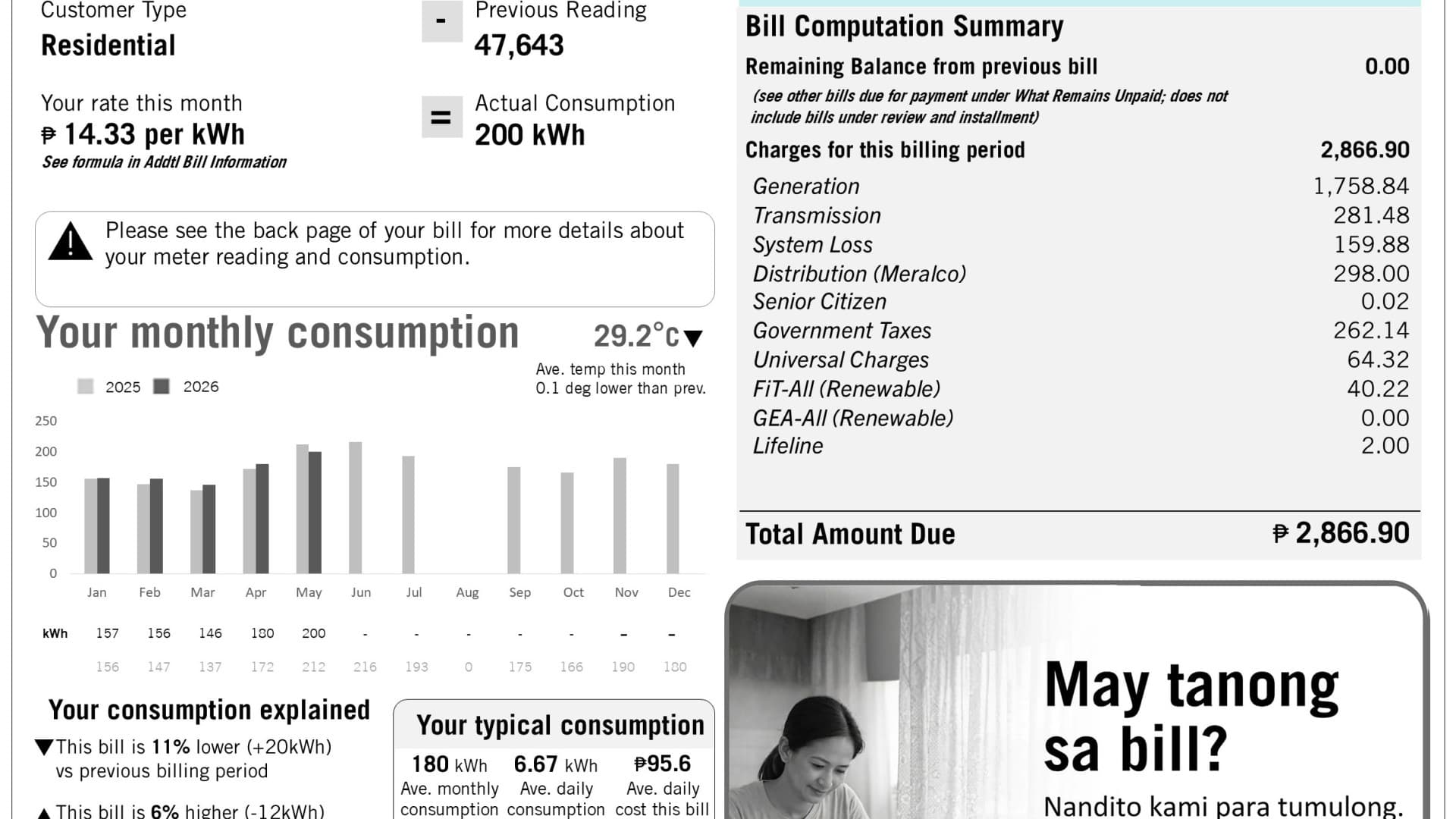
Take a household paying PLDT, Converge and Manila Water through GCash. Using the directory's listed fees: ₱7 + ₱10 + ₱6 = ₱23 a month, or ₱276 over 12 months. Add the Meralco bill and the total stays at ₱23, because Meralco's listing shows no fee. This is a calculation from the published list, not a guarantee; check each fee on the payment screen.
How to pay your Meralco bill in GCash
Meralco has a few rules of its own worth knowing before you pay through GCash.
- Use your 10-digit Customer Account Number (CAN). Meralco's How to Pay page says to "use the 10-digit Customer Account Number shown on the latest bill" and follow the instructions of the payment channel.
- GCash is an accredited e-wallet. Meralco lists GCash among its accredited e-wallets and marks it as a Real-Time Payment (RTP) channel. Meralco gives the RTP window for e-wallets as 7:00 AM to 9:59 PM daily.
- Posting can still take longer. GCash's directory says a Meralco payment will be posted "within 24 hours." Meralco's own FAQ notes that some bank, wallet and over-the-counter payments can take until the next day or longer.
- Pay well before the due date. Since posting can take up to a day, paying on the due date itself leaves no margin.
If you have not received your bill yet, our guide on how to check your Meralco bill online shows where to find your amount due and your CAN.
Save billers and schedule payments
Two features on GCash's Bills page save time on bills you pay every month:
- Favorites and reminders. You can save frequently used billers and their details, and set biller reminders so you don't miss a due date.
- Scheduled bill payments. You can schedule recurring payments. GCash's condition: keep your GCash wallet topped up so the scheduled payments go through.
The directory also notes which billers accept GCredit or GGives, GCash's credit products. Those are loans, so the same care you would take with any credit applies.
What to do if a payment does not post
- Wait out the posting window first. Check the posting time for your biller in the table above. A "next business day" or "within 3 business days" biller will not show the payment right away.
- Keep your receipt. GCash says you can view, download or share the receipt, and it also sends a confirmation text. You will need these details if you raise a concern.
- Contact GCash. GCash lists its hotline as 2882 from Globe and TM numbers, or (02) 7213-9999 from other networks (fees may apply), and its Help Center.
- Pay only through official channels. Meralco lists its accredited e-wallets on its How to Pay page. If someone messages you offering to pay your bill for you, read our guide on every way to report a scam text in the Philippines.
Is GCash the best way to pay your bills?
For the billers in the table, GCash's fees run from nothing listed to ₱10, and some telco payments post in real time. The trade-off is posting time: Maynilad, DITO postpaid and Cignal post the next business day, and some billers take up to three business days. For any bill close to its due date, pick a biller that posts in real time or within 24 hours, or pay a few days early.
If you would rather scan a code at the counter, our explainer on QR Ph payments covers how one QR code works across GCash, Maya and banks.