Text messages carried 68% of the scam attempts that reached Filipinos in the past year — far ahead of messaging apps at 39% and social media at 6%, according to the Global Anti-Scam Alliance's 2026 Philippine survey. Reporting one costs you nothing: the government's 1326 hotline is toll-free, the NTC's complaint form is free to file, and both can lead to the sender's SIM being shut down. The same study found that 84% of Filipino adults faced at least one scam attempt in the past year, so the practical question is not whether a scam text reaches your phone — it is what you do in the minutes after it lands. This guide maps every official channel: what each one does, what evidence to send, and which to contact first when money is involved.
The first minute: don't tap, don't reply
Do not open any link in the message — even when it appears inside a thread that looks like your bank's or e-wallet's official sender. The Cybercrime Investigation and Coordinating Center (CICC), the government's anti-cybercrime agency, has warned that scammers can insert fake messages into legitimate SMS threads, and Smart and Maya say criminals use illegal portable cell towers to make a text appear to come from a trusted brand name.
Do not reply, and never send back a one-time password (OTP — the single-use code apps text you) or your MPIN (the PIN that opens your e-wallet). GCash's standing rule, repeated through its official help channels, is that "no one from GCash will ever ask for an OTP, MPIN, or password." Maya's is just as absolute: the company says it will never send links or ask for your password, OTP, or other sensitive information over text or any other channel.
Then take one screenshot that shows the sender's number, the full message, and the timestamp. Every reporting channel below asks for it. Keep the original message in your inbox until the report is filed — block and delete afterwards, not before.
Not sure it's a scam? Check the message first
ScamCheck.ph, which we covered when it launched, lets you paste a suspicious message of up to 12,000 characters or upload a screenshot (PNG, JPEG, or WebP, up to 5MB, three per minute) and get an AI-assisted reading of whether it looks like a scam. You can also forward a suspicious email to check@scamcheck.ph, keeping the sender and links intact; replies usually arrive within minutes.
Two habits the site itself insists on. First, blank out names, account numbers, passwords, and OTPs before you submit anything, because submissions are processed by AI providers. Second, treat the verdict as one input, not a final answer — the site's own caveat is that "AI-assisted results can be wrong," so when money or account access is at stake, confirm through your bank's official channels. ScamCheck.ph also publishes a reporting guide that maps the official channels; the sections below walk through each one.
Paano i-report ang scam text?
The short answer: it depends on the damage. Match your situation to the right channel, then follow the details in the sections that follow.
| What happened | Report it to | How |
|---|
| Scam text only — you didn't tap anything | NTC, plus your telco | NTC's online Text Spam report form; your telco's own spam-report channel |
| Any online scam, or you're unsure what to do | CICC hotline 1326 | Toll-free call, 24/7 |
| You tapped the link, shared an OTP, or money moved | Your bank or e-wallet, immediately | GCash: 2882 or help.gcash.com; Maya: in-app support; banks: their official fraud line |
| You lost money and want a case filed | PNP Anti-Cybercrime Group or NBI | Email, phone, or walk-in — details below |
Report the number: the NTC and your telco
The National Telecommunications Commission (NTC) is the telecom regulator, and reporting a scam number to it is how the number gets investigated and blocked for everyone, not just for you. ScamCheck.ph's reporting guide points to the NTC's dedicated Text Spam report form at ntc.gov.ph/text-spam-spam-report/, which takes the sending number and your message evidence. You can also reach the NTC's Consumer Welfare and Protection Division at consumer@ntc.gov.ph or by phone at (02) 8920-4464, (02) 8926-7722, and (02) 8921-3251, per Home Credit's scam-reporting directory, updated in late September 2026.
Your telco is legally required to act, too. Section 6 of the SIM Registration Act (Republic Act No. 11934) obliges carriers to run "user-friendly reporting mechanisms" for subscribers and, after due investigation, to "deactivate, either temporarily or permanently, the SIM used for the fraudulent text or call." Use the spam-report channel inside your telco's official app or website — never a number or link that arrived by text. Once your reports are filed, block the sender and delete the thread.
Call 1326, the government's 24/7 anti-scam hotline
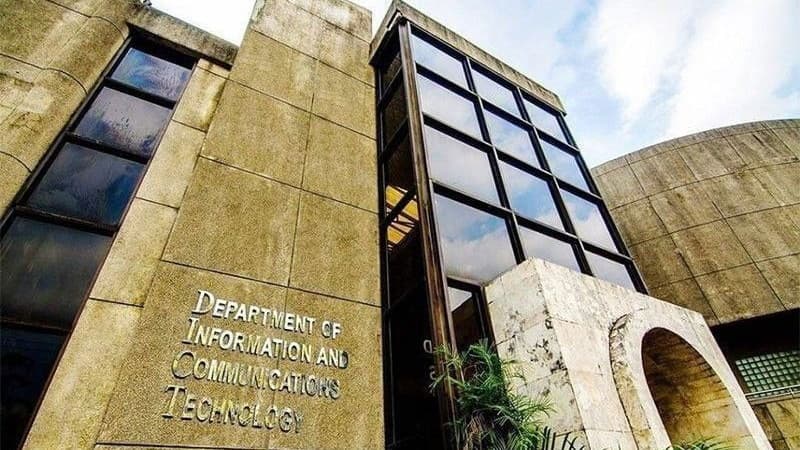
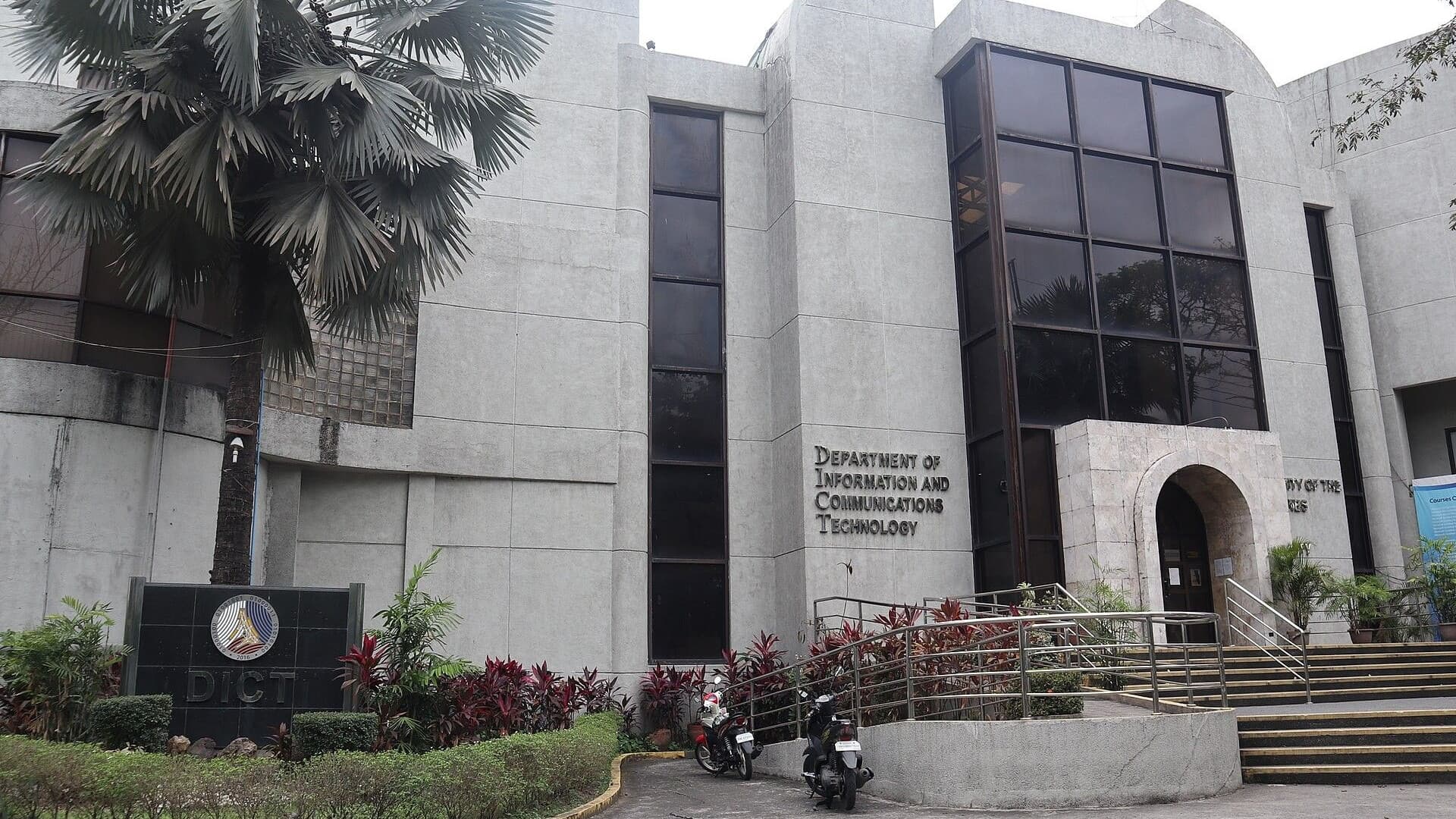
1326 is the Inter-Agency Response Center (IARC) hotline run by the CICC under the Department of Information and Communications Technology. It is toll-free and operates 24/7, Mondays to Sundays including holidays. Call it for any online scam — a text, a hacked account, a fake seller — and especially when you are not sure which agency should handle your case: routing reports to the right responder is what the center exists to do. It is also the number to give a parent or grandparent who would rather talk to a person than fill out a web form.
Money or an OTP involved? Your bank or e-wallet comes first
If you tapped the link, typed credentials into a fake page, or money has already moved, the first call is to your provider — not the police. The Anti-Financial Account Scamming Act (Republic Act No. 12010), signed in July 2024, lets banks and e-wallets temporarily hold funds in a disputed transaction for up to 30 calendar days, and states that a criminal conviction "shall not be a prerequisite to the restitution of funds." A hold only helps while the money is still sitting in the receiving account, which is why speed matters more here than anywhere else in this guide. The same law now punishes social engineering schemes — tricking you into giving up credentials — with 10 to 12 years in prison, and money muling with 6 to 8 years.
- GCash: call the official hotline 2882, file a ticket at help.gcash.com, or chat with Gigi in the in-app Help Center. Live agents handle unauthorized transactions and account takeovers.
- Maya: report through the 24/7 in-app support — Maya says it escalates cases to law enforcement — or call its customer hotline at (+632) 8845-7788.
- Banks: use the fraud or customer-service number printed on the back of your card or listed on the bank's official website, never one from the text itself.
If the institution leaves your complaint unresolved, escalate to the Bangko Sentral ng Pilipinas (BSP), the central bank, through its BSP Online Buddy (BOB): the webchat icon at bsp.gov.ph, the BSP's official Facebook Messenger, or — for Globe subscribers — texting "Complaint" to 21582277, per Home Credit's directory. Complain to the institution first and keep its reference number; BOB will ask for it.
Lost money? File with the PNP-ACG or the NBI
For an actual loss you want investigated and prosecuted, go to law enforcement. Per Home Credit's September 2026 directory:
- PNP Anti-Cybercrime Group (PNP-ACG): acg@pnp.gov.ph, (02) 3414-1560, or mobile 0998-598-8116; walk-ins are taken at the PNP National Headquarters, Camp Crame, Quezon City.
- NBI Cybercrime Division: ccd@nbi.gov.ph, (02) 8523-8231 to 38 local 3455, or (02) 8252-6228; the NBI Building is on Taft Avenue, Ermita, Manila.
Bring everything: the screenshot with the sender's number and timestamp, receipts and transaction IDs, a short written timeline of what happened, and the reference numbers of reports you already filed with your bank, the NTC, or 1326. One more warning from ScamCheck.ph's guide: ignore anyone who offers to recover your lost money for an advance fee or in exchange for account access — recovery offers are the second half of the same scam.
Set up the family's phones before the next text arrives
The GASA survey found that one in five Filipino parents said a child of theirs had been victimized by a scam, and the average loss per victim ran to ₱10,427. Ten minutes of setup is cheaper than that. Save 1326 as a named contact in your parents' and kids' phones, so asking whether a message is real is one call away. Agree on one house rule — no one shares an OTP or MPIN with anybody, and a real bank or e-wallet will never ask — and show the family how to paste a suspicious message into ScamCheck.ph for a second opinion. Finally, make the CICC's warning a habit for everyone: a link in a text is suspect even when it shows up inside a thread that has carried real messages from the same brand before.