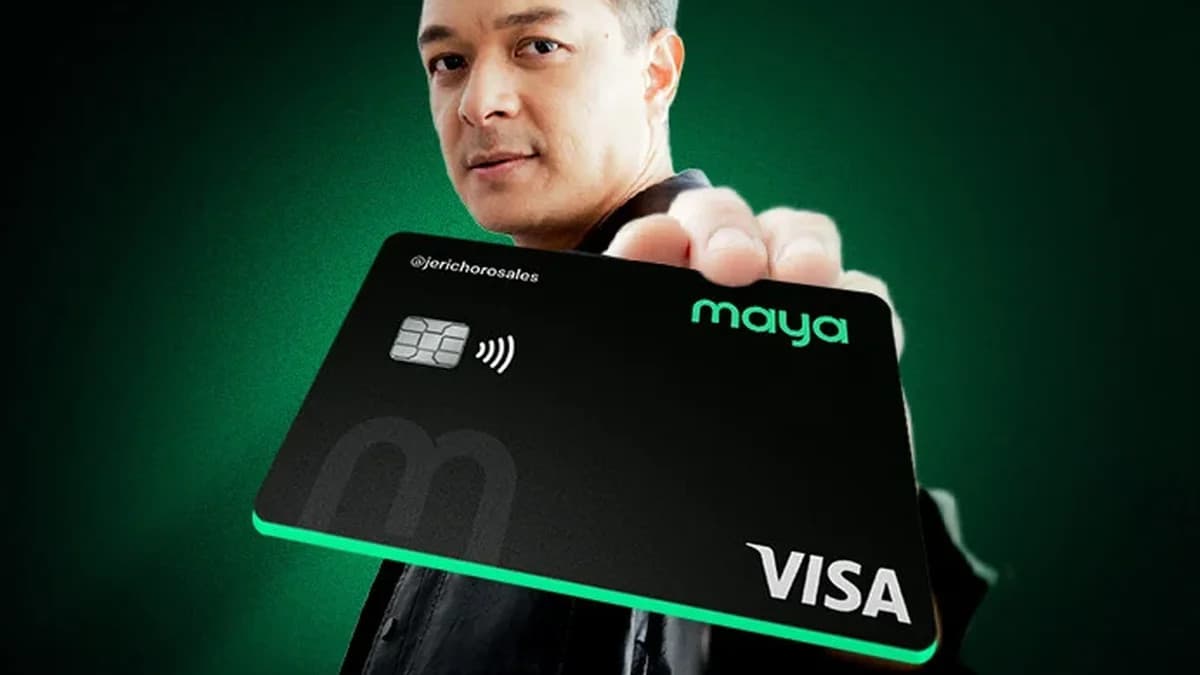
Maya has switched on Google Pay and Google Wallet support for every Visa card it issues in the Philippines. The expansion, announced this week, covers physical and virtual wallet cards — including debit — and no longer only the Maya credit cards that first received the feature in November 2025. In practice, millions of Maya wallet users can now pay by tapping a phone or a Wear OS watch at any terminal that accepts contactless Visa payments.
Every Maya Visa card now works with Google Wallet
The change removes the biggest limitation of Maya's original rollout. When Google Pay support first arrived for Maya in late 2025, it applied only to the company's credit cards, leaving the far larger base of wallet cardholders out. Visa and Maya have now extended support to all Maya Visa cards — credit and debit, physical and virtual.
Once a card is added, it works anywhere contactless Visa payments are accepted in the Philippines, including retail stores, public transport, and tourist destinations. Maya is not alone in widening support this year: EastWest Bank recently extended Google Pay to its debit cards as well.
"The Philippines is undergoing a rapid shift to contactless, digital payments, and Visa and Maya are playing a crucial role in enabling this transformation," said Visa Philippines country manager Jeffrey V. Navarro in the announcement.
How tokenization keeps your card number private
Google Pay transactions on Maya cards run on Visa's tokenization technology. Tokenization replaces your real card number with a unique digital token for each card added to a device. The merchant never receives your actual account number, and the phone does not store your real card details either. If your phone is lost, the token can be revoked without replacing the card itself. That design is a meaningful security upgrade over handing a physical card to a cashier, and it is the same system behind other tap-to-pay services already running in the country.
How to add a Maya card to Google Wallet
Setup takes a few minutes:
- Open the Google Wallet app on an Android phone (or a Wear OS smartwatch).
- Tap the button to add a payment card.
- Select your active Maya Visa wallet or credit card and follow the verification prompts.
- Hold the phone near a contactless terminal to pay — no need to open the Maya app first.
Virtual cards work the same way as physical ones, so users who never requested a plastic card can still tap to pay.
The Philippine tap-to-pay race is speeding up
This launch slots into a fast-moving year for contactless payments in the Philippines. BPI cards gained Google Wallet support earlier this year, and GCash turned on tap-to-pay for iPhone users in August. With Maya's wallet cards now covered, the country's two biggest e-wallets both offer phone-based tap-to-pay, and the remaining gaps are closing bank by bank.
Maya Group president Shailesh Baidwan said the update gives users more flexibility for everyday purchases. Visa's own data points to why issuers are moving quickly: the company says 71% of consumers in the Asia-Pacific region prefer paying with mobile or smart devices in stores and online, and 97% of travelers in the region would rather pay with cards than carry cash.
For commuters and shoppers here, the practical takeaway is simple: if you hold any Maya Visa card — even a virtual debit card you opened entirely inside the app — your Android phone can now stand in for it at the checkout counter, the train gate, and the coffee shop terminal.