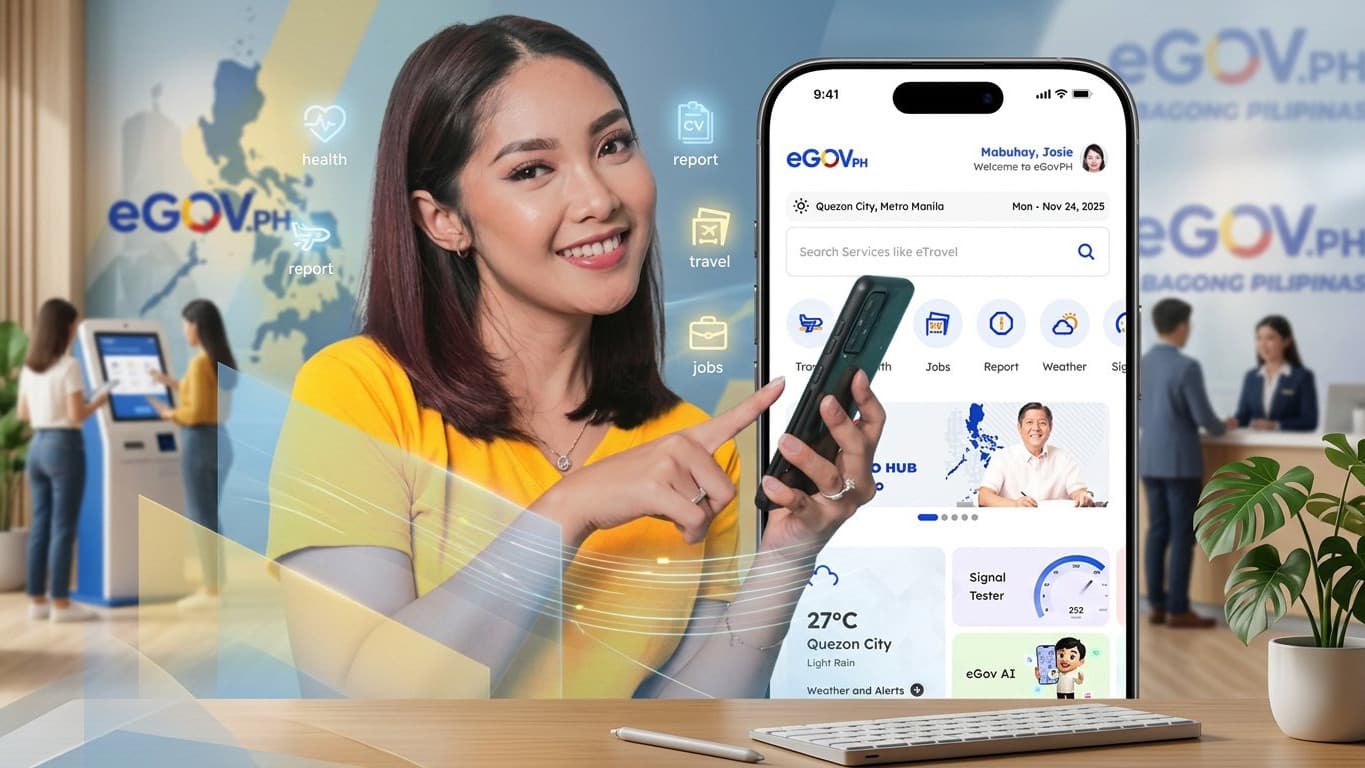
SSS signed a data-sharing agreement with the DICT on 21 October 2026 to put a digital copy of your MySSS Card, plus your contribution history, membership type and latest employer, inside the eGovPH app. As of 8 November 2026, though, no launch date has been announced. The SSS announcement of 4 November 2026 only says the services are coming "soon".
If you have seen posts saying the SSS ID is already in eGovPH, treat them with care. Neither SSS nor DICT has announced that the feature is live. This explainer covers only what official sources confirm, and we will update it when the launch is announced.
What SSS confirmed about the SSS ID in the eGovPH app
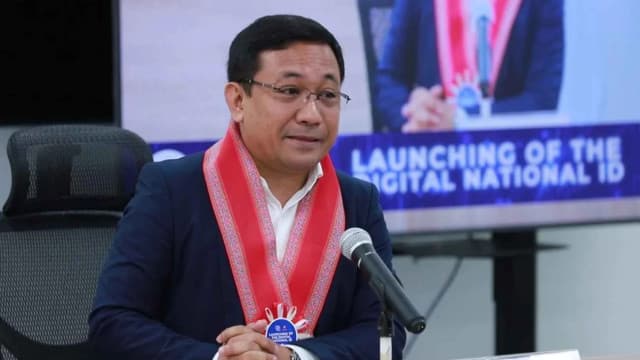
According to the SSS release, the agreement was signed in Quezon City by DICT Secretary Robert Joseph M. de Claro and SSS President and CEO Victor Alfonso A. Limlingan. De Claro led SSS before he moved to the DICT.
Once the integration is done, SSS says members will be able to see these in eGovPH:
- The digital MySSS Card, described as the "front-facing digital representation" of the card. It will be one of the IDs shown in the app.
- Contribution history and the total number of contributions.
- Latest membership type on your SSS record.
- Most recent employer on record.
SSS says the point is to let members check whether their contributions have been posted, and confirm their membership and employer details, from one government app. SSS and DICT also say the move should make SSS services easier to reach for freelancers and other online workers.
What is still unknown
The release leaves several practical questions open:
- The launch date. SSS says "soon" and gives no month.
- Who can use it. SSS has not said whether you need a physical MySSS Card first, or whether older UMID holders will see an ID in the app.
- How to link your account. No steps for connecting your SSS record to eGovPH have been published.
- Where the digital ID will be accepted. The release describes a display of the card's front side. It does not say whether offices or banks must accept it.
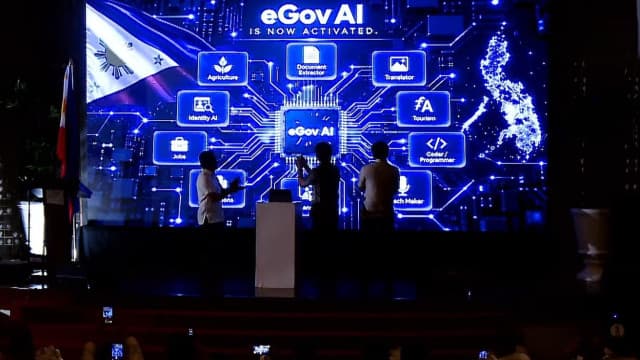
The eGovPH app itself is run by the DICT. Its App Store listing describes it as one app for government services, and its release notes list IDs such as the National ID, driver's license and PhilHealth ID. SSS is not mentioned in the listing as of this writing. For other recent eGovPH additions, see our report on the eGovAI assistant inside the eGovPH app.
How to check your SSS contributions now
You do not need to wait for eGovPH to see your records. SSS notes in the same release that members can already view their membership and contribution records in the MySSS mobile app. The eGovPH version will be another way to see the same data, not a replacement.
If you find a missing contribution, the SSS hotline is 1455, and general questions can also go to usssaptayo@sss.gov.ph, according to the official MySSS Card page.
Paano makuha ang My SSS Card?
The digital ID in eGovPH will show the MySSS Card, so it helps to know how the physical card works. SSS launched the MySSS Card on 1 October 2025 as an ID and debit card in one. It replaces the UMID as the SSS ID, while older SSS and UMID cards stay valid. The card is issued only through partner banks, with RCBC (through its DiskarTech app) as the first.
Per the official MySSS Card page, you can apply if:
- your SSS number is tagged "permanent";
- you have a My.SSS portal account;
- your local address, mobile number and email in SSS records are up to date; and
- you are registered in the National ID (PhilSys). Your name and birth date must match in both records.
The application has two parts:
- On My.SSS: log in, open MySSS Card under the Services menu, check your details, consent to National ID eVerify (an online identity check against your National ID record), do a facial scan, choose a partner bank and accept the data-sharing terms.
- At the bank: open the account in the bank's app or at a branch, finish its verification and pay any card fee the bank charges. SSS does not list the fee amounts; they are set by each bank.
The bank then makes the card. SSS says delivery takes within 15 working days in Metro Manila and within 20 working days elsewhere after your account opens. The MySSS Card account also becomes your main account for receiving SSS benefits and loans.
SSS also notes that other agencies and private companies are not required to accept the MySSS Card as an ID. The National ID remains the main government ID.
What to watch for next
The next step is an official launch notice from SSS or DICT with a date and the steps to add the card in eGovPH. Until then, the safest sources are the SSS news page and the eGovPH app's own release notes. Do not share your My.SSS password or one-time codes with anyone offering early access to the SSS ID in eGovPH.