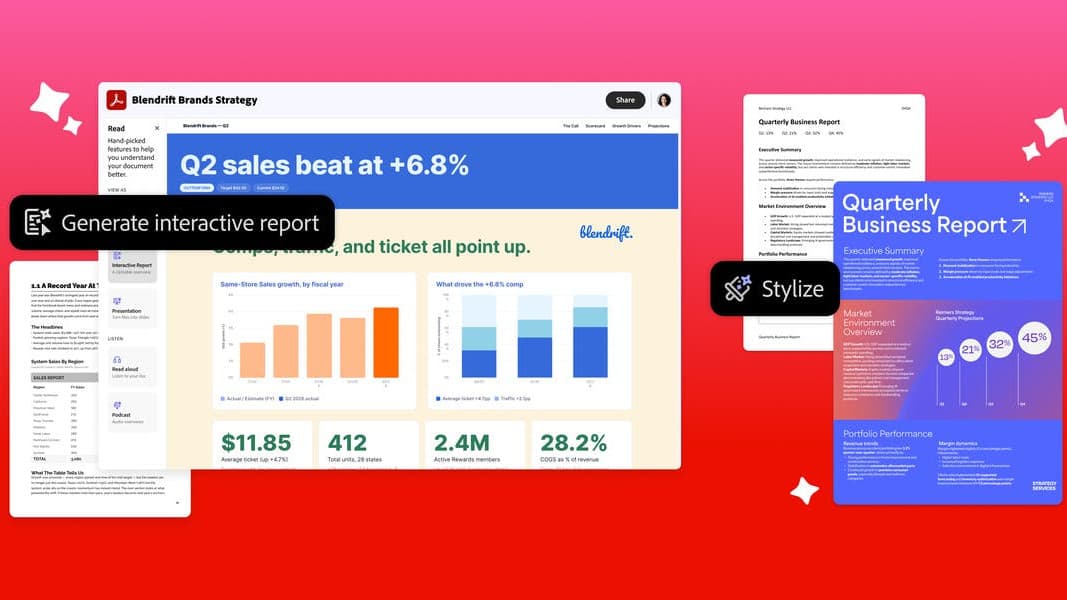
Adobe Acrobat is getting its biggest change in years. On September 9, Adobe announced a set of AI features, powered by what it calls the Adobe Productivity Agent, that turn dense PDFs into interactive visual reports, summary slides, personal podcasts and audio summaries. For businesses, two new tools called Knowledge Base and Analyzer let teams ask questions across whole document libraries and pull structured data out of thousands of files at once.
The short version: Acrobat is no longer just where you read a PDF. Adobe wants it to be where you understand the document, turn it into something else, and act on it.
What the Productivity Agent can now do
Adobe grouped the new features into three jobs.
Understand faster. Acrobat can analyze a file, ask clarifying questions about what you want, and build an interactive report with charts, images and navigation. It can also produce summary slides. Adobe's examples include turning a financial statement into a visual report for a team, or turning survey and headcount data into a readable summary for managers.
Listen instead of read. Users can drop documents or web links into a PDF Space (Acrobat's workspace for grouping files) and ask for a podcast-style audio summary. There are also plain audio summaries and a read-aloud mode. Adobe pitches this at commuters and people who need to get through several reports quickly.
Make it look professional. A new feature called Stylize reflows a plain document into one of thousands of Adobe Express templates while keeping the original content. Adobe's examples are a small business polishing a proposal or a job seeker reformatting a resume. It can also generate presentations directly from source documents.
Adobe says every AI answer carries clickable citations back to the source, and that customer document data is not used to train its generative AI models.
Knowledge Base and Analyzer: the enterprise half
The enterprise features are the more consequential part of the release, and the part that moves Acrobat into new territory.
- Knowledge Base connects Acrobat's assistant to a company's shared document collections, including PDFs, Microsoft Office files, web pages, text and email. Files sync from SharePoint or Google Drive so answers stay current. Adobe's example is a sales team pulling answers out of a large enablement library by asking a question.
- Analyzer extracts structured data from thousands of documents at once. Adobe cites vendor-management teams tracking auto-renewals, service-level terms and inflation clauses across contracts and statements of work.
Computerworld's report adds pricing mechanics Adobe's release does not spell out. Knowledge Base includes 1,000 queries a month per licensed user; extra actions such as uploads, queries from Microsoft Teams or Slack, and queries from unlicensed employees draw from a shared credit pool. Analyst Mike Leone of Moor Insights & Strategy told Computerworld that Analyzer is closer to a data product than a PDF feature, because the extraction work is what companies currently pay people and pipelines to do. He also warned that credit-based pricing can lead employees to ration their own usage.
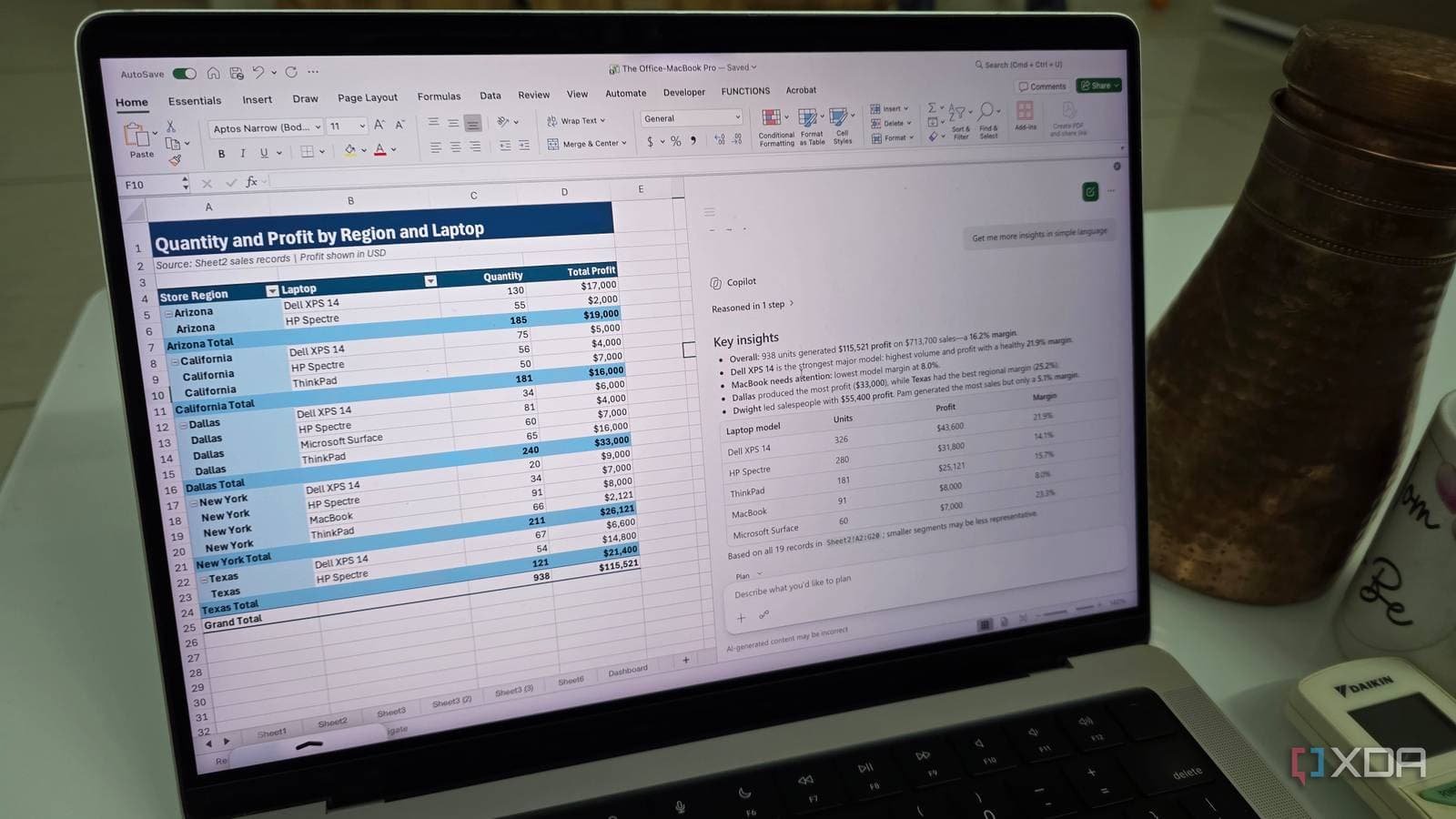
Computerworld frames the release as Adobe competing directly with Google's NotebookLM and Microsoft's Copilot Notebook for the document-intelligence market.
Scale: 650 million users and 400 billion PDFs a year
Adobe says people open more than 400 billion PDFs in Acrobat every year. Computerworld puts Acrobat's monthly active users at 650 million. Adobe is also pushing Acrobat's tools into other platforms, naming ChatGPT, Claude, WhatsApp, Microsoft Edge and Google Chrome as places where its document features will appear.
Student Spaces goes global
Student Spaces, the study-focused workspace Adobe launched in beta in April 2026, is now available globally in English. Adobe says the beta drew more than 1 million monthly active users who made flashcards, quizzes, study guides and presentations. New additions include citations for classroom documents, digitizing handwritten notes into study tools, one-click fact sheets, and resume feedback for internship and job interviews. It runs on the web and on the Acrobat Ready app on Android. Adobe says student packages for Acrobat Studio and Acrobat Express are coming soon.
Which plans get the new features
Adobe's availability note is specific:
- All audio and visual capabilities: Acrobat Studio, Acrobat Express and Acrobat AI Assistant Plus plans.
- Knowledge Base and Analyzer: Acrobat Studio for enterprise only.
- Student Spaces: free and global, English only for now.
What this costs in the Philippines
Adobe sells Acrobat in the Philippines through its local online store, but bills in US dollars. Its Philippine business pricing page lists Acrobat Standard for teams at US$16.99 a month per license (about ₱1,065), Acrobat Pro for teams at US$23.99 (about ₱1,505) and Acrobat Studio for teams at US$29.99 (about ₱1,880), all on annual plans billed monthly. Only the Studio tier includes the AI Assistant; for Standard and Pro it is a paid add-on at checkout. Adobe has not published Knowledge Base or Analyzer pricing.
For Filipino users the relevant split is this: the podcast, report and slide features arrive in the individual Studio and Express plans that anyone here can buy, while the enterprise search tools sit behind an enterprise contract. Document-heavy Philippine sectors, from BPO back offices to law and accounting firms, are the obvious local audience for Analyzer, and the same cost-per-hour logic applies as in Microsoft's push into AI transcription for BPO work. Filipino students can use Student Spaces now at no cost, alongside Google's free year of AI Plus for college students.