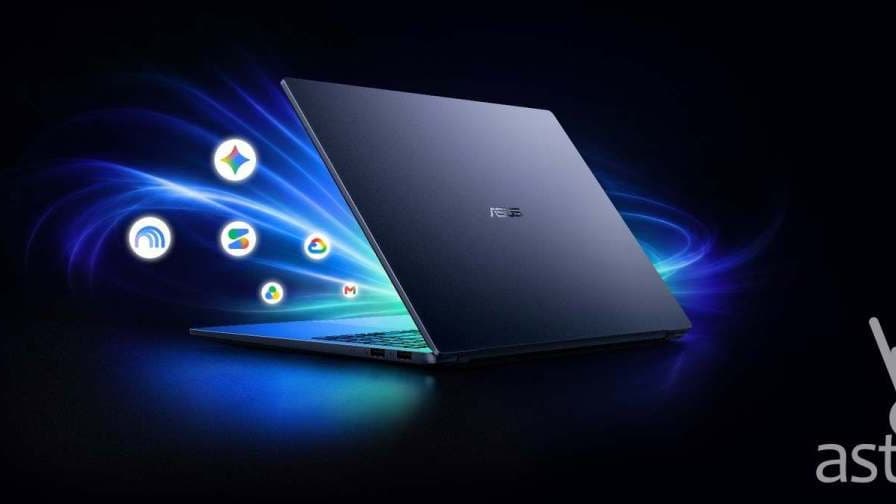
Google has released a native Gemini app for Windows, five months after the assistant landed on Mac. The app, announced on September 10, runs on Windows 10 and 11 on both x64 and ARM64 machines, and is a free download from Google's official desktop page. Google says it is available in all languages and countries where the Gemini app is supported — which includes the Philippines from day one.
Press Alt+Space, ask, and get back to work
The app's defining feature is a quick-access overlay. Press Alt+Space and a floating Gemini window appears on top of whatever you are doing — a browser, a spreadsheet, a document — so you can ask a question without switching windows. "Whether you need a quick fact-check on a document or a few catchy title ideas for a presentation, you can get the help you need and jump right back into your workflow," Google says of the design.
Beyond the overlay, the full app looks close to the Gemini website, with a side panel for Notebooks and recent chats. Google describes it as deliberately lightweight, built to sit in the background without dragging down PC performance.
Spark, image and video generation, and your Google apps
The Windows app is not a thin wrapper around the chatbot. It ships with the bigger pieces of Google's AI stack:
- Gemini Spark, Google's autonomous agent, can run multi-step research and planning tasks under your direction.
- Nano Banana, the image generation and editing model, works directly from the desktop.
- Video generation is built in as well, without opening a browser tab.
- Connected apps let Gemini pull from Gmail, Google Drive, Docs, and Calendar to answer questions about your own files and schedule.
For Filipino students and office workers who already live inside Google Workspace, that last item is the practical hook: the assistant can search your inbox and files from the same shortcut you use mid-task. It also pairs naturally with Google's current education push — the company is giving college students in the Philippines a free year of its AI Plus plan, whose higher usage limits apply in the desktop app too.
What is still missing compared with the Mac version
Google brought Gemini to macOS first, in April 2026, and the Windows release does not yet match every native integration the Mac app has picked up since. Google acknowledges the gap and says more native desktop capabilities will roll out to Windows over time. The core features — overlay, Spark, generation tools, and connected apps — are all present at launch.
The release also sharpens the desktop AI contest on Microsoft's own operating system, where Copilot is built in. Windows users now get to choose between the assistant bundled with the OS and the one attached to their Gmail account — and given how quickly Google has been shipping, with Gemini 3.7 Flash arriving just weeks after 3.6, that choice will keep shifting.
To try it, download the installer from gemini.google/desktop, sign in with a Google account, and press Alt+Space. The app works on the free Gemini tier; paid plans lift usage limits and unlock the newest models.