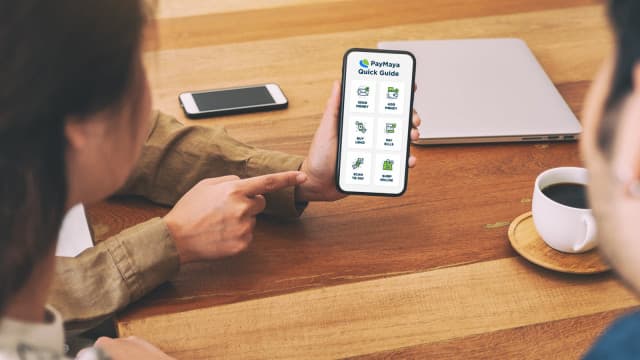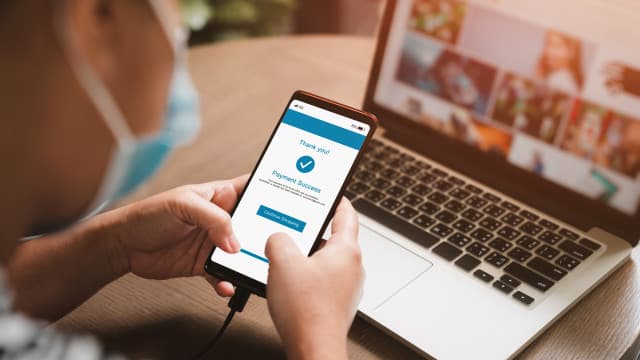
A small shop that takes a ₱1,000 card payment through Maya's new Tap to Phone feature pays a ₱30 fee and gets ₱970 the next banking day, and it needs no card terminal. The feature turns an NFC-enabled Android phone into the card reader, according to Maya's Tap to Phone page.
Maya has not published a dated launch announcement. The details below come from that product page and Maya's own pricing pages, as they read on November 21, 2026.
What is Maya Tap to Phone?
Tap to Phone is a feature inside the Maya Business app. The seller enters the amount, taps Pay, and the customer holds a card or phone near the back of the seller's phone. It accepts:
- Visa and Mastercard debit and credit cards, including international cards
- Cards saved in Apple Pay and Google Pay
Maya says there is no limit on the number of Tap to Phone payments, and a seller can email a receipt from the confirmation screen. A payment can only be voided on the same day.
How much is the Maya Tap to Phone fee?
Maya charges a 3% merchant discount rate (MDR) on each successful payment. The MDR is the cut the payment company keeps from every card sale. Money lands in the seller's Maya Business Deposit account after one banking day, and Maya says it cannot be settled to another account.
Here is how that compares with Maya's other ways to get paid, using the "starts at" rates on Maya's business pricing page:
| How the customer pays | Maya's listed rate | Fee on a ₱1,000 sale |
|---|---|---|
| Card, through Tap to Phone | 3% | ₱30 |
| Card, through Maya Terminal or Terminal Lite | 3.50% | ₱35 |
| QR Ph, through Maya Terminal or static QR | from 1.0% | ₱10 |
By our math, a seller who takes ₱20,000 a month in card payments would pay ₱600 with Tap to Phone. The same sales on a Maya Terminal would cost ₱700 in fees, plus the ₱949 a month that Maya lists for Maya Terminal access, or ₱1,649 in total. The assumption is that the seller pays Maya's published rates, not a custom rate.
The table also shows the trade-off. A customer paying by QR Ph costs the seller about a third of what a card tap costs. Tap to Phone is most useful for customers who only carry a card, or tourists paying with a foreign Visa or Mastercard.
Who can use it?
Tap to Phone is limited to Maya Business Pro accounts for now. Maya's page says the feature is "initially available" to them. To upgrade, Maya asks for:
- BIR Form 2303 (Certificate of Registration)
- A Certificate of Tax Exemption, if the business has one
- DTI registration
- A Business Permit or Mayor's Permit
Maya says checking these papers can take at least three banking days. A seller who has not yet registered with the BIR can start with our guide to BIR registration for online sellers.
Phone requirements and how to activate it
The phone must have NFC (the short-range radio used for contactless payments) and run Android 12 or newer. Maya also asks sellers to turn off Developer options, any VPN, and mock or fake location apps. iPhones are not mentioned.
To switch it on, Maya lists three steps:
- Open the latest Maya Business app and select Tap to Phone.
- Tap Activate.
- Wait a few minutes for activation to finish.
What comes next: Mastercard Accept
Maya is also preparing a second phone-based option. On November 17, Mastercard announced Mastercard Accept, which lets people with eligible debit or prepaid cards take card payments on their phone through their banking app, The Paypers reported. Mastercard said it would demonstrate Mastercard Accept with Maya at the Singapore FinTech Festival on November 18, and Maya says it aims to bring it to the Maya Business app, according to the press release. No date for the Philippines was given.
Until then, small sellers who mostly get paid by e-wallet can keep using QR Ph at the lower rate. Our QR Ph guide explains how that works.