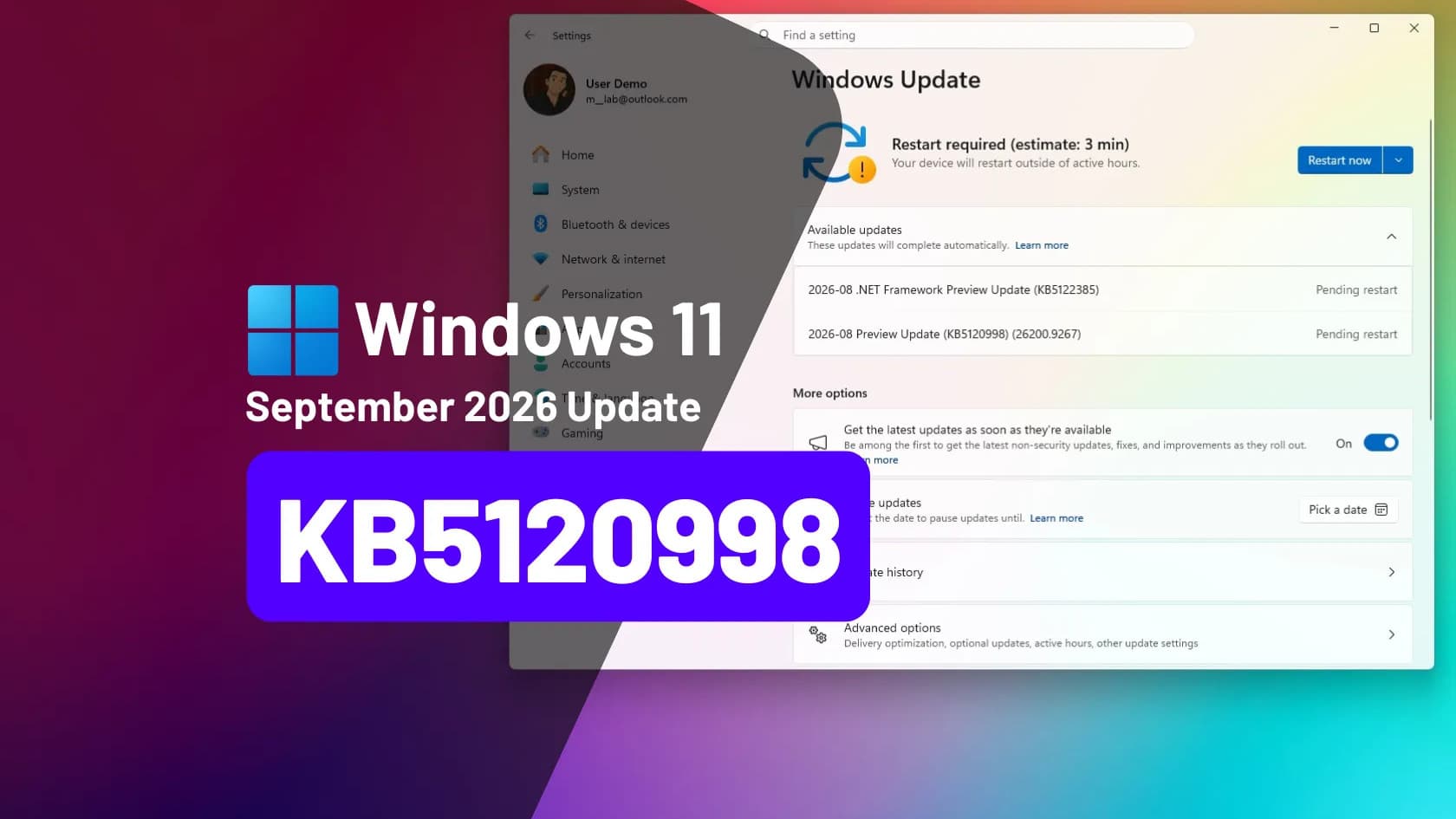
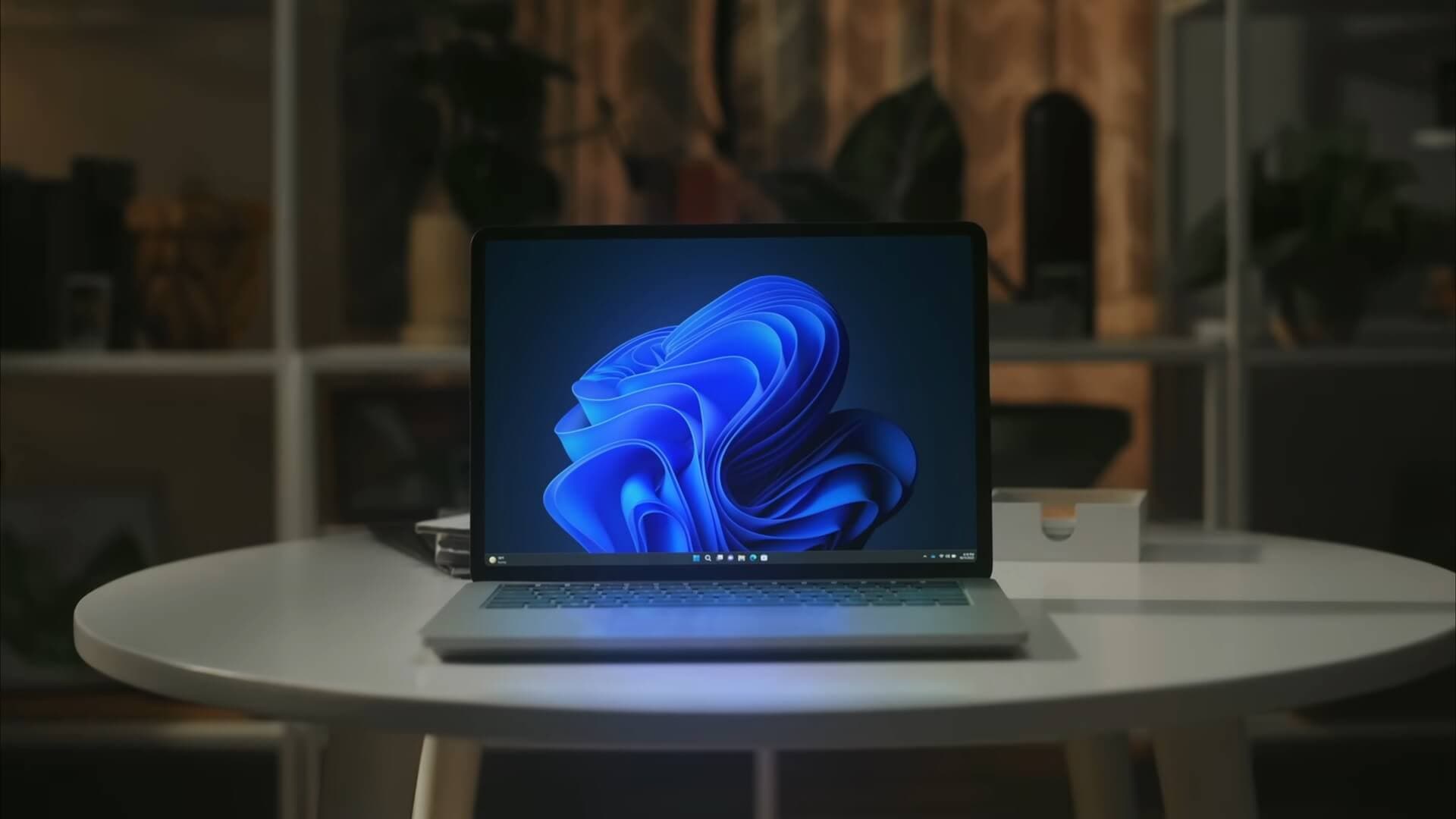
For the first time in Windows 11's life, you can move the taskbar. The KB5120998 preview update, now rolling out as an optional download, lets users pin the taskbar to the top, left, or right of the screen instead of only the bottom — and it brings a resizable Start menu and cleaner search along with it, Pureinfotech reports.
The update installs as build 26200.9278 on Windows 11 version 25H2 and build 26100.9278 on version 24H2. It is optional for now; the same changes ship to everyone in the September 8 Patch Tuesday release.
The taskbar finally moves
Windows 10 users could always dock the taskbar on any edge of the screen. Windows 11 removed that option at launch in 2021, and it has been one of the most requested features ever since. KB5120998 restores it: bottom, top, left, or right, plus a new smaller taskbar size for those who want more vertical space.
A Start menu you can shape
The Start menu picks up three size options — small, large, or automatic — and new toggles that let you switch off individual sections. If you never use the Recommended feed, you can hide it; same for Pinned apps or the All Apps list. You can also hide your name and profile picture from the menu.
Search without the Bing clutter
Windows Search gets a simplified interface, and a setting many users have wanted for years: the ability to turn off Bing web results and Microsoft Store suggestions so that searching from the taskbar returns only your local files, apps, and settings.
The quieter changes
- Administrator Protection begins rolling out — a security feature that grants admin rights just-in-time instead of leaving them always on, reducing the damage malware can do with a stolen session.
- File Explorer opens its Home tab faster and scrolls more smoothly.
- The system tray loads faster, and Task Manager gets reliability fixes.
- The legacy WMIC command-line utility is removed.
How to install it now
- Open Settings > Windows Update.
- Turn on "Get the latest updates as soon as they're available", or look for the optional preview update entry.
- Click Download & install, then restart.
If you would rather wait, do nothing — the features arrive automatically with the September 8 cumulative update. Some of the interface changes are staged server-side, so they may take a few days to appear even after installing.
Worth knowing before you download
The update is a large one — reported at around 4.8GB to 5GB, since it bundles AI models that not all devices use. That matters if you are on a metered or prepaid connection: queue it on Wi-Fi rather than mobile data. There is no Philippine-specific timing here — the rollout is global, and PCs here get it on the same schedule as everywhere else. It is also worth being deliberate with previews on a work machine: a recent Windows 11 update, KB5121003, shipped a bug that crashed games before Microsoft traced it to RGB lighting drivers. Waiting a week for Patch Tuesday costs you nothing but a movable taskbar — and Microsoft is separately working on cutting Windows 11's memory use on 8GB machines, so lighter hardware has more relief coming.