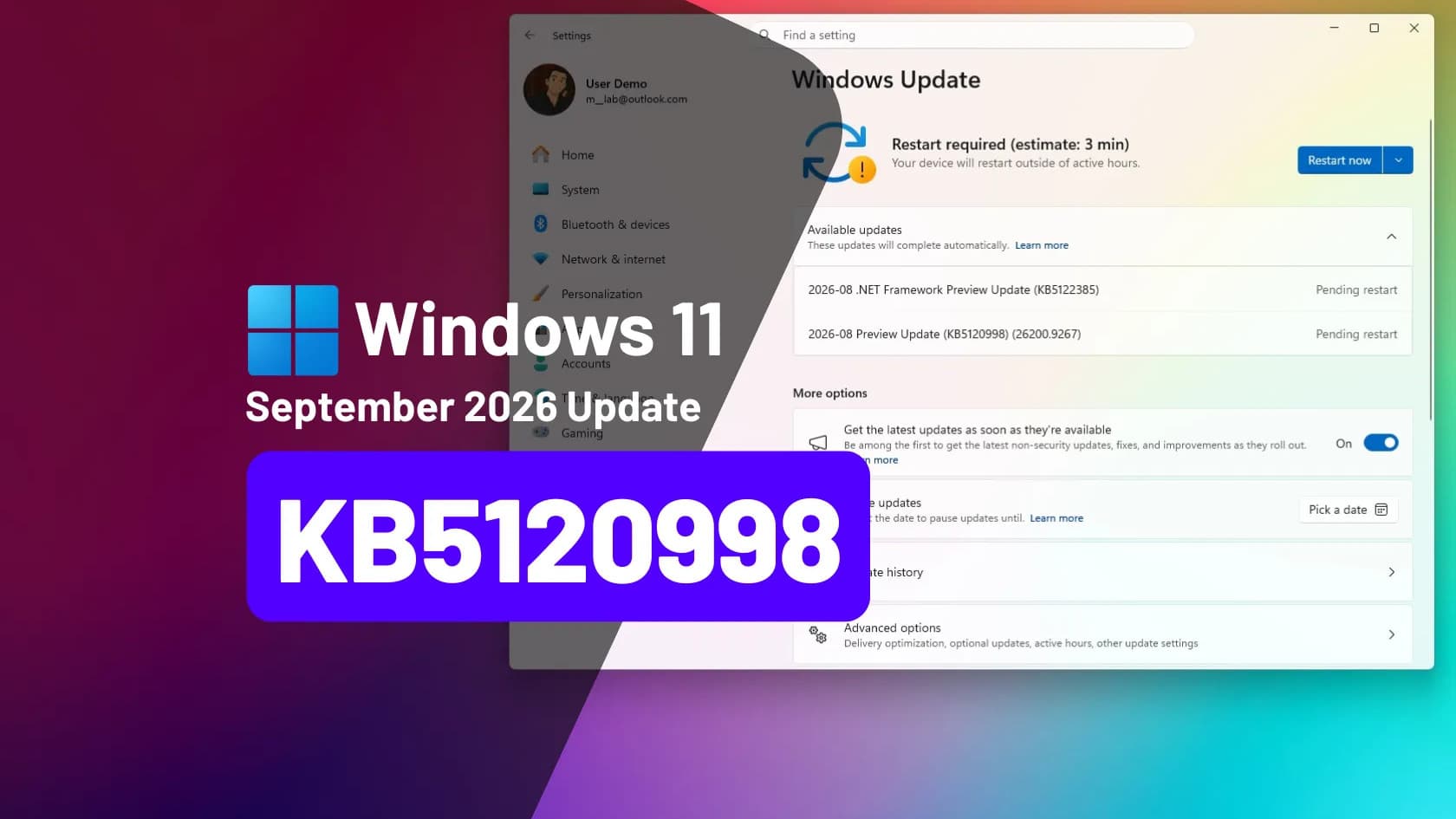
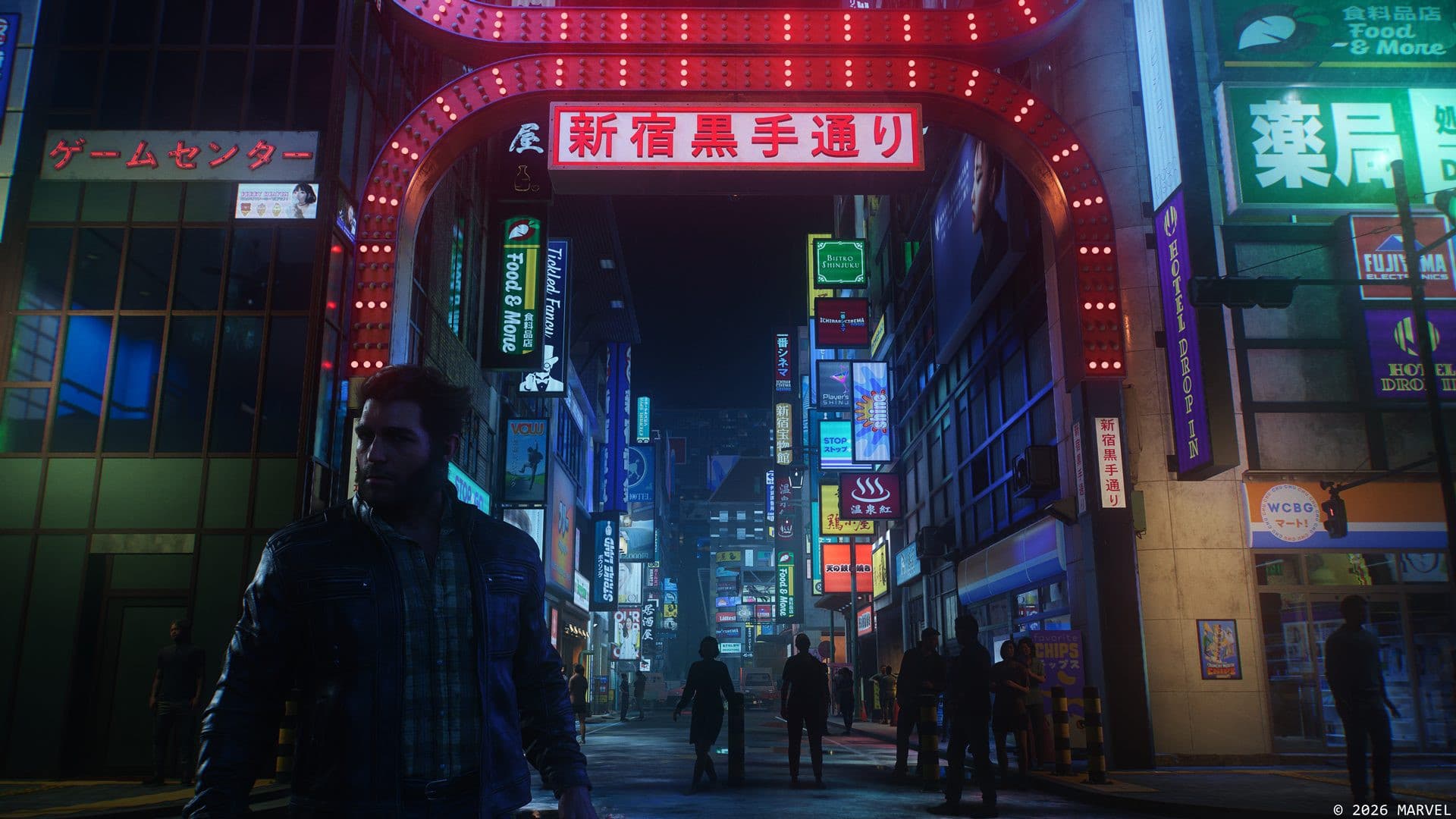
Windows 11 update KB5121003 is crashing games on some PCs, and Microsoft has now confirmed the problem. The mandatory security update, released on August 11, 2026 for Windows 11 versions 24H2 and 25H2, fixes more than 400 security vulnerabilities. But on certain systems it is also making popular games freeze, close without warning, or restart the whole computer. Microsoft's own Windows release health dashboard lists the issue as under investigation, with the affected games named as ARC Raiders, THE FINALS, and MARVEL Tokon: Fighting Souls.
Which games and PCs are affected by KB5121003
The update moves PCs to build 26200.9168 on version 25H2 and build 26100.9168 on 24H2. After installing it, affected players report four main symptoms:
- The game becomes unresponsive and stops accepting input
- The game closes on its own with no error message
- An "EXCEPTION_ACCESS_VIOLATION" error appears on screen
- The PC restarts without warning, mid-game
This is not happening to everyone. Microsoft says its ongoing investigation points to peripherals or internal components with RGB lighting features — the colorful, software-controlled lights common on gaming keyboards, mice, fans, and motherboards. The software that controls those lights can install a kernel-level driver (a low-level program with deep access to Windows) with a file name similar to "inpoutx64". On systems where that driver is present, launching one of the affected games can trigger the crash. Independent reporting by gHacks notes that the update appears to have tightened how Windows validates these low-level operations, which is why a driver that used to be tolerated now brings systems down.
Beyond gaming, some users have also reported login problems and display glitches after the same update, though Microsoft's confirmed known issue covers the game crashes specifically.
Microsoft's official workaround
Microsoft has published a temporary workaround while it works on a proper fix: disabling the inpoutx64 driver through the Windows registry. The company's steps, as listed on the release health dashboard, are:
- Back up the registry first, so you can undo the change if something goes wrong.
- Open the Registry Editor by typing "regedit" in the Start menu.
- Navigate to HKEY_LOCAL_MACHINE\SYSTEM\CurrentControlSet\Services\inpoutx64.
- Double-click the Start value on the right side and change its data to 4.
- Close the editor and restart the PC.
Microsoft warns that disabling the driver can break RGB lighting controls on your peripherals until you restore the original value. The company is also asking affected users to file reports through the Feedback Hub (press the Windows key + F) to help its investigation, and says it will post an update when it understands the link between the RGB components and the affected games.
Should Filipino gamers uninstall the update?
There is no Philippine-specific advisory here — the update rolled out worldwide, so PCs in the Philippines on 24H2 or 25H2 are exposed in exactly the same way, and ARC Raiders and THE FINALS both have active Filipino player communities. The hard part is the trade-off: uninstalling KB5121003 restores stability but also removes protection against the hundreds of security flaws it patched. That is a bad trade. The safer path is to keep the update, apply the registry workaround if your games are crashing, or simply uninstall the RGB control software you do not actually use. If you have not installed the update yet and your setup depends on RGB utilities, pausing Windows Update for a week or two until Microsoft ships a fix is a reasonable middle ground.
Microsoft has been trying to make Windows 11 lighter and more reliable for gaming hardware overall — it has separately promised to cut Windows 11 memory use on 8GB RAM PCs by the end of 2026 — but for now, August's patch is a reminder to check known issues before restarting for an update.