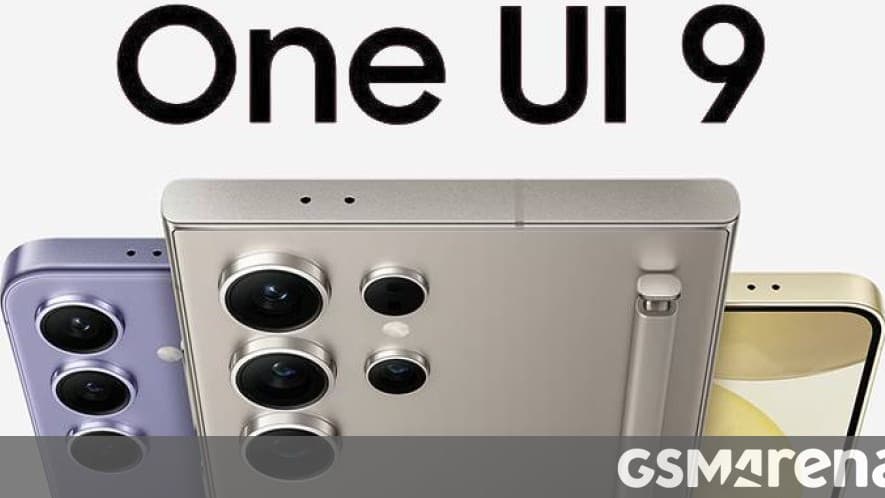
Samsung's biggest software update of the year has left beta. The stable One UI 9 update began rolling out on September 16, and the Galaxy S26, Galaxy S26+, and Galaxy S26 Ultra are first in line — the update's first stop after debuting on the Galaxy Z Fold8 Ultra, Z Fold8, and Z Flip8 foldables.
Where the rollout stands
The release started in South Korea. Tech-ish reports the Korean firmware arrives as build S948NKSU4BZI6, moves the S26 series to Android 17, carries the September 2026 security patch, and weighs roughly 550MB for users coming from the final beta — capping a beta program that had run since May. Samsung says the update will reach other countries and then other Galaxy devices gradually, without publishing a full schedule.
This is the S26 series' first major Android version jump since the phones launched on Android 16 earlier this year. One note on sourcing: Samsung's own press release describes the features but does not name the Android version — the Android 17 base, build number, and update size come from firmware reporting on the Korean release.
What's new in One UI 9
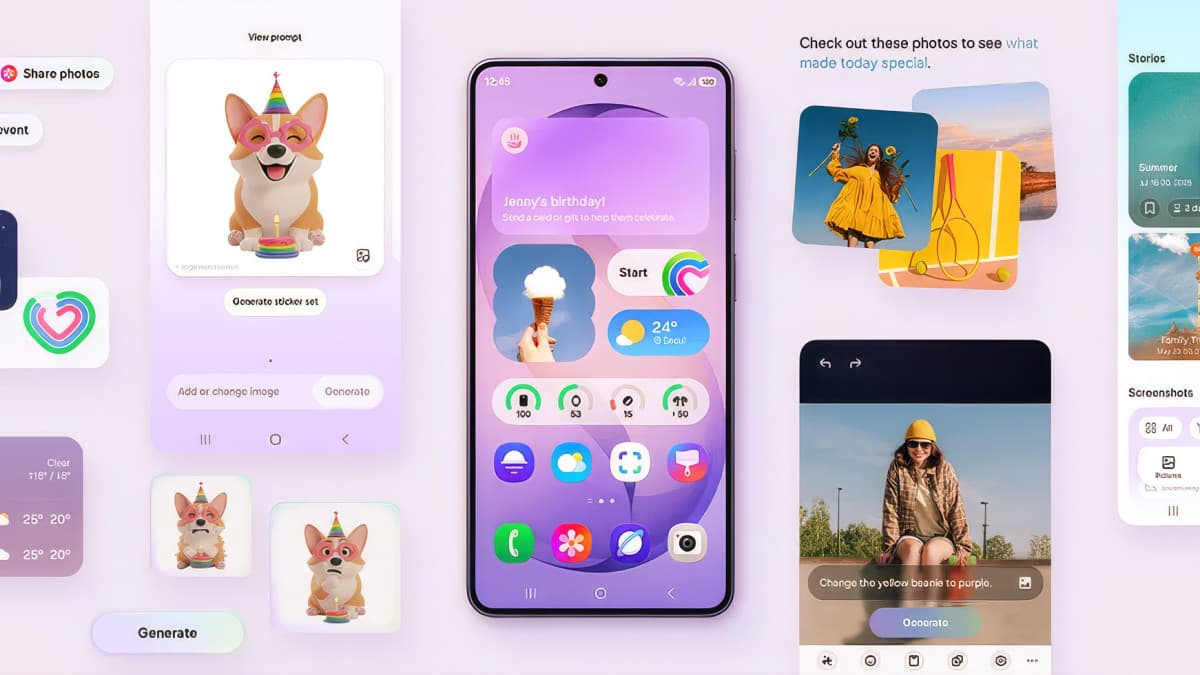
Samsung's official rundown leans heavily on AI-assisted features:
- My FanCam — automatically tracks a person you select while recording video and reframes the footage around them
- Now Brief — adds generative, editable cards you can customize for things like health, weather, and video highlights
- Now Nudge — context-aware suggestions that surface across messaging apps
- Creative Studio — event-based image generation tools
- Interpreter with Thread View — live translation displayed in a threaded conversation layout
- Improved Document Scan and a Voice Recorder that produces structured meeting summaries
- Warranty and Care — device warranty and support details consolidated into Settings
- Security Brief and Privacy Alerts — a running digest of security status and warnings
One UI, for readers on other phones, is Samsung's interface and feature layer over Android — the reason a Galaxy device looks and behaves differently from a Pixel running the same Android version. Several of the features above first appeared on the Z Fold8 generation of foldables; this release is how they reach the mainstream flagships.
Security gets a regional expansion too: Samsung's AI-driven Scam Detection, which flags suspicious calls and messages, extends to Japan, Canada, and India with this release — a feature with obvious relevance in the Philippines, where text and call scams remain a daily nuisance, though Samsung has not named the country in this wave. Samsung notes feature availability varies by country, region, and language.
When do Philippine Galaxy S26 units get it?
Samsung has not announced a Philippine date for the stable release; as of publication the rollout is confirmed live only in South Korea, with other markets to follow "gradually." Philippine S26 owners — who have had the S26 series since its global launch earlier this year, including the Galaxy S26 FE that launched here at ₱46,990 — can check manually under Settings > Software update > Download and install once the wider wave begins.
The update path for older phones is already moving in parallel: One UI 9 Beta 2 recently reached the Galaxy S24 series, a signal that Samsung intends to push the Z Fold8-era features well beyond this year's flagships. If Samsung follows its usual pattern, the S25 and S24 lines, recent A-series midrangers, and tablets will queue up over the coming weeks — but treat any specific dates floating around social media as rumor until Samsung posts them.
One practical note for early updaters: major version updates occasionally ship with day-one bugs, and waiting a week after the update reaches the Philippines costs little. When it arrives, back up first, update on Wi-Fi, and expect the phone to spend a few hours reindexing before battery life settles.