You have 30 days from today to save anything on a second Facebook profile. Meta will permanently delete all Facebook additional profiles after December 14, 2026, and anything you do not export before then is gone.
The change was announced on November 12 in an update to Meta's 2023 newsroom post that first introduced the feature. Meta says it is "simplifying to one profile" because additional profiles "added complexity for the people using them." Per Facebook's Help Center, you can no longer create new ones.
Which Facebook profiles are affected
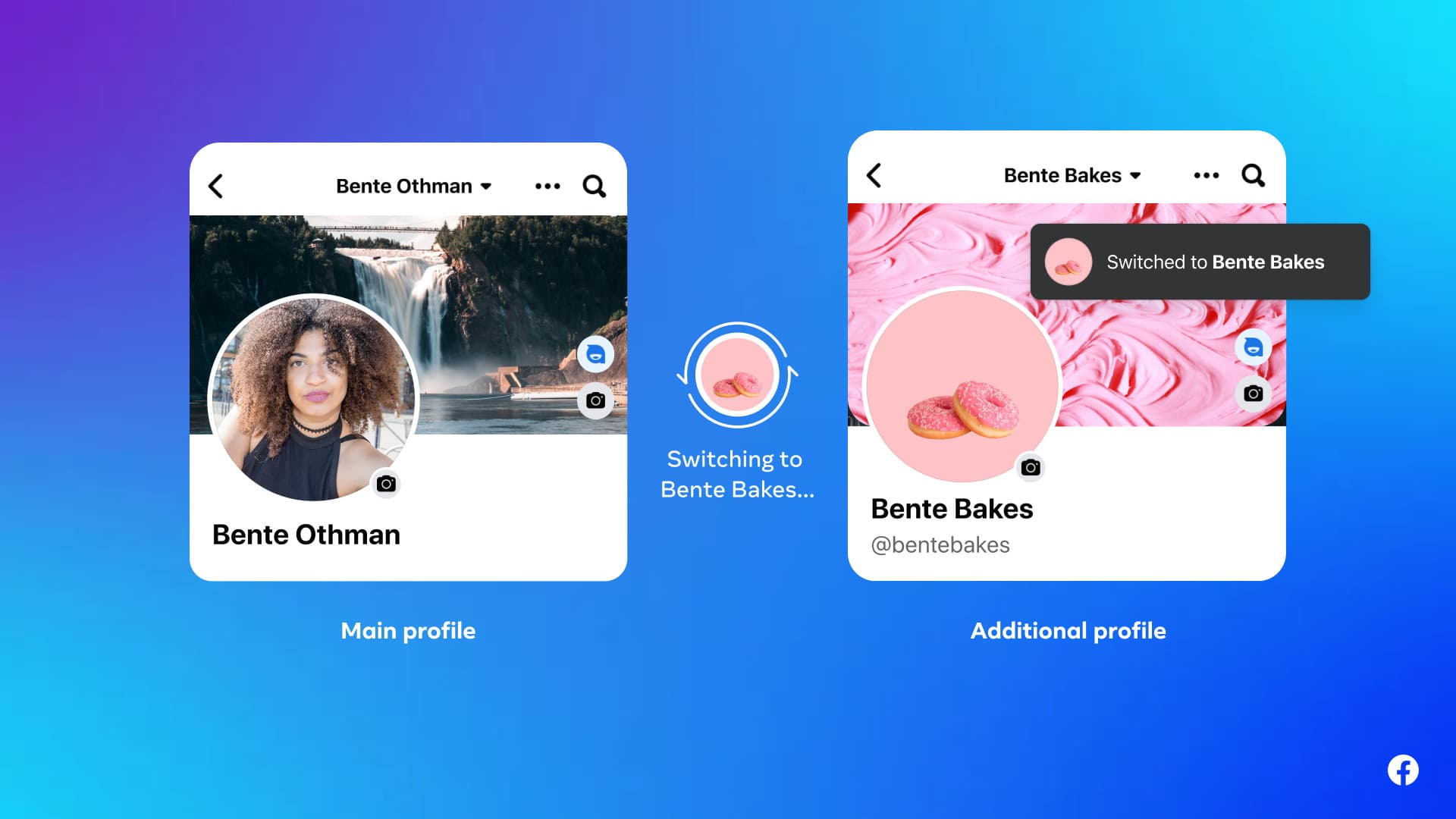
Additional profiles are the secondary personal profiles you could create under the same login as your main one, each with its own name, @username and Feed. When the feature launched in 2023, Meta allowed up to four of them per person.
These are not affected, according to Meta:
- Your main profile, the first profile you created when you signed up. Meta says it "will stay exactly as it is."
- Facebook Pages, including business and creator Pages.
Meta is notifying everyone with an additional profile by email and, where applicable, by an in-app notification and a notice in Feed. German fact-checker Mimikama found that an email sent to a reader announced a real change that matches Meta's update. Fake emails can copy real ones, so open Facebook directly instead of tapping links in an email.
How to check if you have an additional profile
Per Facebook's help page on switching profiles:
- Tap or click your profile picture in the upper-right corner of Facebook.
- Select See all profiles.
- Any profile listed besides your main one is an additional profile. Select it to switch in.
What to do before December 14
Facebook's help article on the change lists three steps.
1. Export each additional profile's data
Switch into the additional profile, then go to Settings & privacy > Settings > Export your information and create an export, either to your device or to another service. If you have more than one additional profile, export each one separately. Exports take time to prepare, so do not leave it to the last day.
One catch: some information from additional profiles, including ads information, can only be downloaded by exporting your main profile's data, according to the same help page.
2. Hand over any groups you manage
If an additional profile is an admin of a Facebook group, make a main profile an admin before the deadline. A group left with no admin will be paused until someone new is added.
3. Move your connections to your main profile
Use Review connections, if Facebook shows it to you, to add friends, rejoin groups and follow Pages from your main profile. If the option is not there, do it by hand.
Who this matters to most
Meta says these profiles were meant to keep parts of life separate: "a hobby, a community, an interest." People who ran a Facebook group from a second profile have the most to do. Their posts and photos can be exported, but the group itself needs an admin on a main profile to keep running.
Meta says it will keep its Help Center article updated through the transition, so check it again closer to the deadline.