Meta has released a dedicated Meta AI app for the Mac, giving its assistant a native home on macOS for the first time. The desktop app rolled out on August 19 as a version 1.0 beta, and it adds tricks the web version does not have — including the ability to show the assistant a specific app window and to dictate text into any Mac application, MacRumors reports.
Window sharing gives Meta AI on-screen context
The headline feature is window sharing. From the prompt bar, you can attach a specific window — a document, a spreadsheet, or a social media post you are drafting — and Meta AI uses what is on screen as context for its answer. With macOS Screen Recording and Accessibility permissions granted, 9to5Mac explains, the app reads the window's visible text and captures a screenshot before answering your next question. That lets it review a post before it goes live, suggest edits to an open document, or summarize what you are looking at.
Dictation works system-wide, not just inside the app. You hold a keyboard shortcut, speak, and the words are typed into whatever app is active. A separate Quick Invoke shortcut — Option-Space by default — summons a compact Meta AI prompt bar from anywhere on the desktop, similar to Spotlight. You can even hide the Dock icon and run the assistant entirely from the keyboard.
A small, truly native app
Unlike many AI desktop clients, this is not an Electron wrapper. 9to5Mac notes the app is built with Apple's native AppKit and SwiftUI frameworks and weighs only around 16MB installed. It runs on Apple silicon Macs with macOS 15 or later, and can be downloaded from Meta's Meta AI page. A sidebar collects your media, artifacts, scheduled tasks, and conversation history, and the app supports file attachments, media generation, and recurring briefings.
Built with businesses and creators in mind
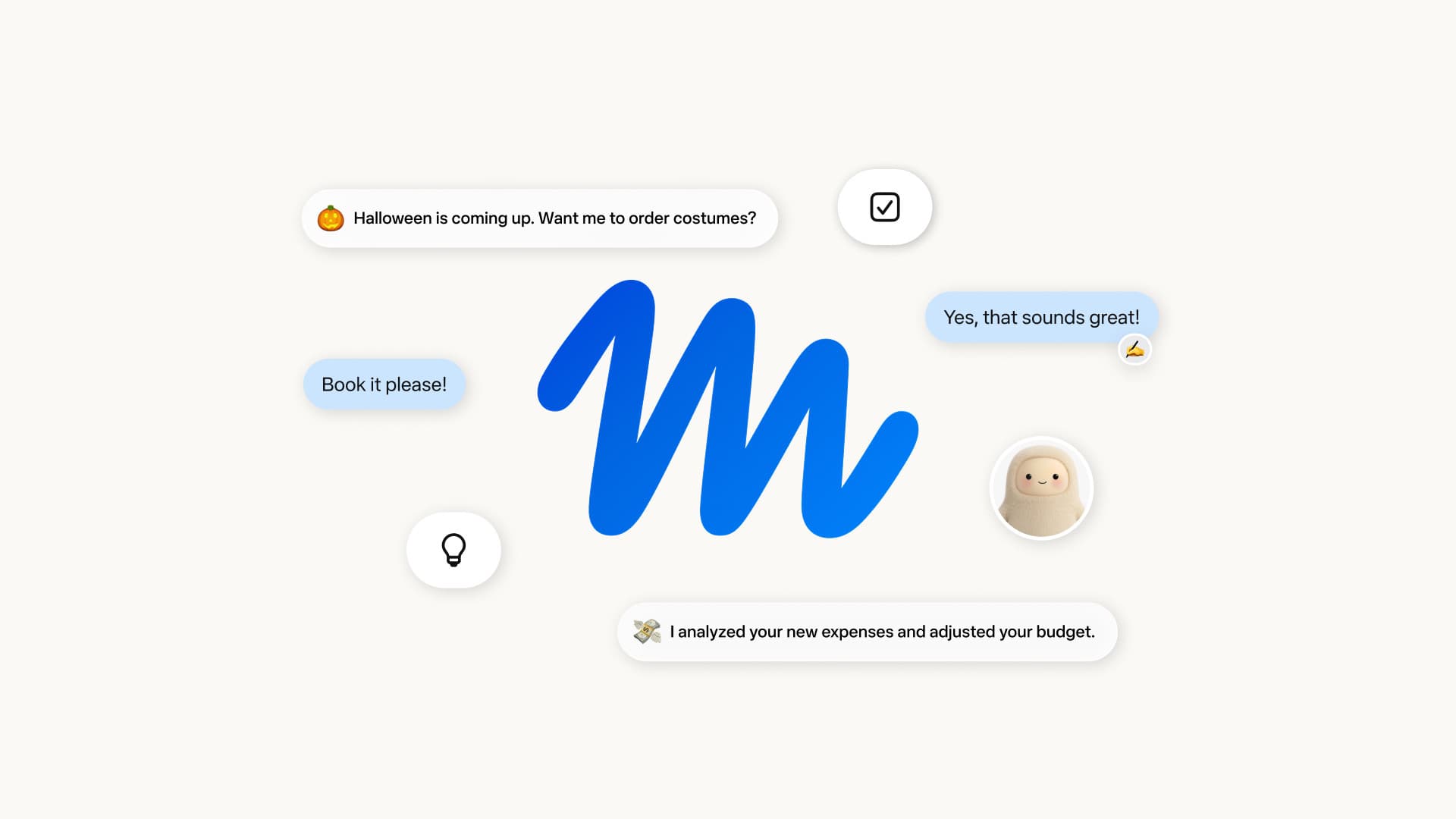
Meta is pitching the app heavily at small businesses and content creators. It connects to Facebook and Instagram accounts so the assistant can analyze how posts are performing and recommend what to publish next, and it integrates with Google Workspace for document access. Meta says the assistant can generate presentations, documents, spreadsheets, and recurring weekly performance reports — the kind of routine output a small online seller or page admin would otherwise build by hand.
Free to use, with a privacy trade-off
The app is free, with optional paid Meta One plans that raise usage limits. One caveat worth knowing before you share your screen: under Meta's privacy policy, interactions with Meta AI features can be used to train the company's models. If a window contains sensitive business or personal information, think twice before attaching it.
Can Filipinos use it?
Meta has not published a country list for the desktop beta, so availability in the Philippines is not yet confirmed. The underlying assistant, however, has been live for Filipino users since October 2024, when Meta AI rolled out across Facebook, Instagram, WhatsApp, and Messenger in the Philippines with Filipino-language support. If the desktop app follows the same rollout path, Mac-owning Filipino freelancers, sellers, and page managers — a large share of the local creator economy — are the obvious audience for its Facebook and Instagram analytics tools. Meta's laptop-class AI push is not new either; the company recently released an open-weight AI agent designed to run on single-GPU machines.
There is no Windows version yet, and Meta has not said when — or whether — the beta label will come off.