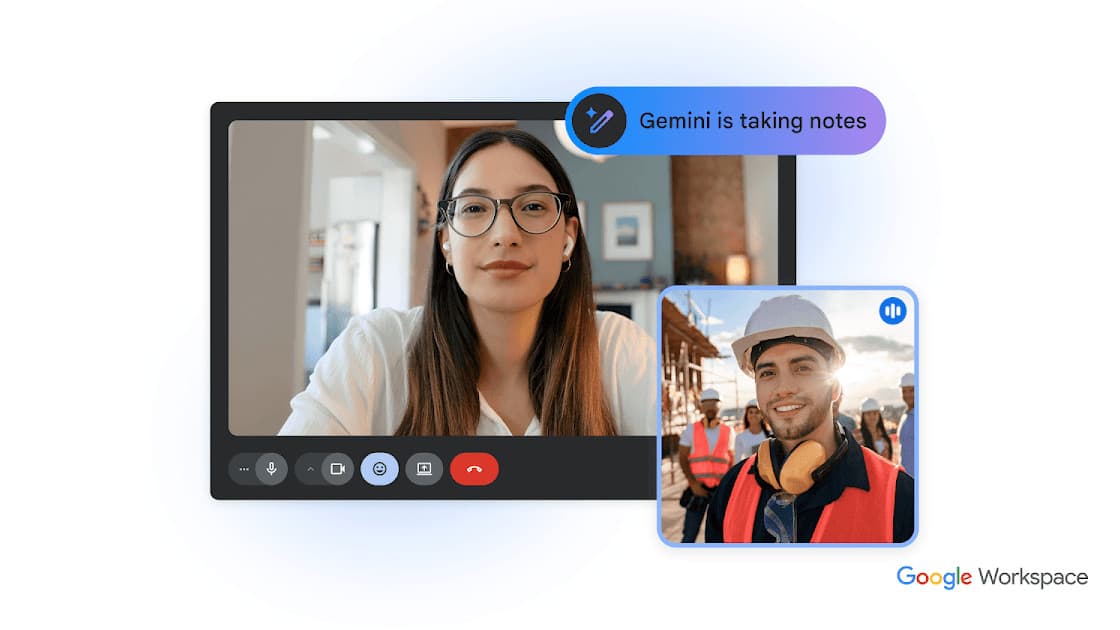
A two-person Google Meet call in 1080p can now use up to about 3.2GB of data an hour, and free Google accounts get that quality by default. On 23 November 2026, Google announced that Meet on the web now sends 1080p (Full HD) video for all users, including people with personal Gmail accounts. It is switched on automatically on computers that can handle it.
Until now, sending 1080p was a paid feature. As of publication, only Google's own announcement confirms the change; we could not read any independent coverage of it.
What changed in Google Meet 1080p
Google first added 1080p to Meet in April 2023, but only for paying customers. Its April 2023 announcement limited it to two-person calls on certain Workspace plans and to Google One subscribers with 2TB or more of storage. It said the option was "not available to users with personal Google Accounts", and it was off by default. In October 2023, Google extended it to group calls, still for paid plans only.
The new announcement changes three things:
- Who can send it: all Google Workspace customers, Workspace Individual subscribers and users with personal Google accounts.
- The default: 1080p is now on, under the Auto setting, for computers with a 1080p camera and enough processing power and bandwidth.
- Where: Meet in a web browser on a computer. The announcement does not cover the Meet phone apps.
Meet does not always send Full HD. Google says it sends 1080p only when the other person's window shows your video large enough to need it. It also lowers the quality on its own when your computer or connection is struggling.
How much data does Google Meet use at 1080p?
By Google's own figures, a 1080p video stream uses up to 3.6Mbps in each direction. By our math, that is up to about 1.6GB an hour to send your video and another 1.6GB to receive one, or about 3.2GB for a one-on-one call. Lower settings use far less.
The working, using the bandwidth table in Google's network guide for Meet: 3.6 megabits per second × 3,600 seconds = 12,960 megabits, or 1,620MB, per hour.
| Quality | Google's figure, per direction | Data per hour, per direction (our math) |
|---|---|---|
| 1080p | up to 3.6Mbps | up to about 1.6GB |
| 720p | up to 1.7Mbps | up to about 765MB |
| Audio only | 100Kbps | about 45MB |
These are maximums. Meet may send less, for the reasons above. But if you join from a laptop on a phone hotspot or a capped plan, the difference between 1080p and 720p is close to 1GB per hour of sending alone.
How to turn 1080p off, or back on
The steps are in Google's Meet help article on video quality:
- Open meet.google.com in your browser.
- Click Settings, then Video.
- Under Send resolution, pick 720p or 360p to use less data. Under Receive resolution, you can also choose 360p or Audio only.
- Click Done.
That help article still says only some paid plans can send 1080p. It has not yet been updated for the new announcement, so expect the wording there to change.
The same article says 1080p does not work in Firefox or Safari, so people who use those browsers will not see the change. You also need a computer with a 1080p camera, Google says.
When will it reach your account?
Google says the rollout for Workspace domains began on 11 November 2026 and is an "extended" one, which may take more than 15 days to appear. It gives no separate date for personal accounts. To check, open Settings > Video on the web and see whether 1080p is listed under send resolution.
School and company accounts can behave differently. Google says administrators can still set a default video quality for their organisation, and existing bandwidth limits still apply. If your connection, not your camera, is what makes calls blurry, our comparison of fiber and 5G home Wi-Fi plans covers what each type of connection can handle.