If your online shop, school or company website runs on WordPress, it runs on PHP, the language behind 69.3% of websites whose server-side language is known. Two PHP flaws patched on October 21, together called PHP2Shell, let an attacker take over an unpatched web server without logging in. The fix is a PHP update, and most site owners can check whether they have it in about a minute.
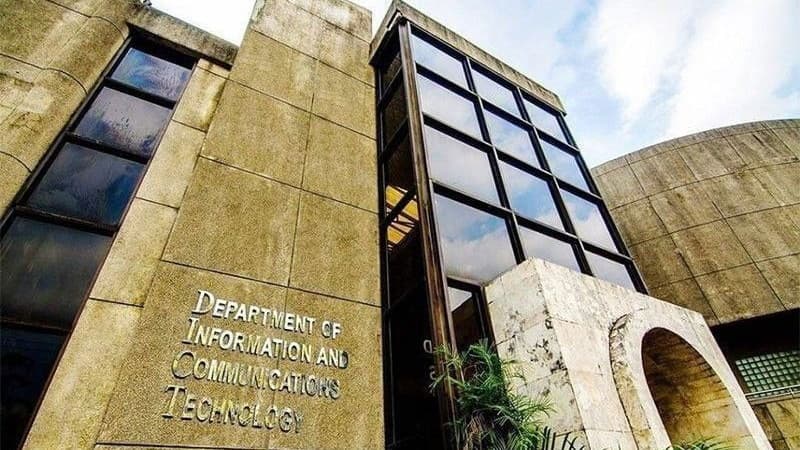
The Philippines' national cybersecurity response team has joined the warning. CERT-PH, the computer emergency response team under the Department of Information and Communications Technology (DICT), issued an advisory dated October 22 urging organizations to find their PHP installations and patch them, Newsbytes.PH reported. The same report says the advisory did not establish that any Philippine organization had been breached through the flaws. We could not open CERT-PH's own advisory page to confirm the wording.
What PHP2Shell is
PHP2Shell is the name for two bugs in PHP itself, not in WordPress or any single plugin:
- CVE-2026-109618: remote code execution (RCE, meaning an outsider can run their own commands on your server) through memory corruption when PHP runs out of memory.
- CVE-2026-109619: RCE through "stale global state", where memory freed by one web request can be reused by the next request on the same worker.
The PHP project's security advisory rates both at 9.2 on CVSS 4.0, the industry's 10-point severity scale. It says the risk is highest for sites that run PHP through Apache's mod_php module. There, a demonstrated exploit works with an unauthenticated request, before any of the website's own code runs.
BleepingComputer's report lists the other common setups at risk: PHP-FPM, php-cgi, FrankenPHP and LiteSpeed. The flaws were found by researchers from Calif, OpenAI and Wiz.
Is anyone attacking it yet?
Yes, according to several security companies, though the picture is still forming:
- Amazon's threat intelligence team saw an exploitation attempt against one of its honeypots on October 17, four days before the patch, Tenable's PHP2Shell FAQ notes. Amazon now describes exploitation as broad.
- Cloudflare's chief technology officer said the company was seeing early attacks and had added firewall rules, which it called a stopgap.
- Calif says it confirmed pre-login takeover of specific versions of WordPress, Drupal, Joomla and Magento, per Tenable.
- VirusTotal estimates more than 5.1 million PHP hosts are reachable on the internet, BleepingComputer reported.
The PHP project originally planned the fix for October 22. It moved the release up a day after the CVE numbers leaked early.
Which PHP versions are fixed
The patched releases came out on October 21:
| PHP branch | Fixed version | Official support |
|---|
| 8.5 | 8.5.12 | Yes |
| 8.4 | 8.4.27 | Yes |
| 8.3 | 8.3.36 | Yes |
| 8.2 | 8.2.35 | Yes, until December 31, 2026 |
| 8.1, 8.0, 7.4 | No official release | Source backports only |
| 7.3 and older | No fix | End of life |
PHP 8.1 and older no longer get updates from the PHP project. Its team published small source backports for 7.4, 8.0 and 8.1, but those only help people who build PHP themselves or whose hosting vendor ships them.
How many sites are on a version with no official fix
W3Techs' PHP usage survey gives a rough answer. Among sites running PHP, 26.8% use version 7, 7.7% use version 5 and 0.1% use version 4.
By our math, 26.8% + 7.7% + 0.1% = 34.6%, or about one in three PHP sites, run a major version with no official PHP2Shell release. The real share is higher, because sites on PHP 8.0 and 8.1 are counted inside W3Techs' "version 8" group and also have no official release.
What to do now if you run a website
- Check your PHP version. In WordPress, go to Tools > Site Health > Info and open the Server section, as WordPress's Site Health guide describes. Compare the number with the table above.
- On shared hosting, ask your host. WordPress's guide notes that server-level settings are often managed by the hosting provider, so you may not be able to update PHP yourself. Ask support two things: whether your plan now runs 8.5.12, 8.4.27, 8.3.36 or 8.2.35 (or a vendor backport), and whether the PHP workers were restarted after the update.
- On your own server, update and restart. PHP's advisory says updating is the only safe choice. Its interim settings, such as setting
session.upload_progress.enabled=0, reduce exposure but do not make a server safe. BleepingComputer's list of these partial measures also says to restart workers after any change. - Look back to October 17. Amazon recommends starting any investigation from that date. Check server and application logs for odd requests, new admin accounts or changed files.
- If you find signs of a break-in, follow your incident-response plan and isolate the server. That matches CERT-PH's advice to contain incidents quickly, as reported by Newsbytes.PH.
A follow-up advisory is already out
On October 23, the PHP team added an informational note on its news page. It covers a rare configuration where CVE-2026-109619 could still be reached through session upload progress. The team suggests setting session.upload_progress.enabled=0 until the next regular bugfix release, and said a full advisory for a new identifier, CVE-2026-115560, will come with that release. If you manage your own server, apply that setting now; if you are on shared hosting, ask your provider whether they have.