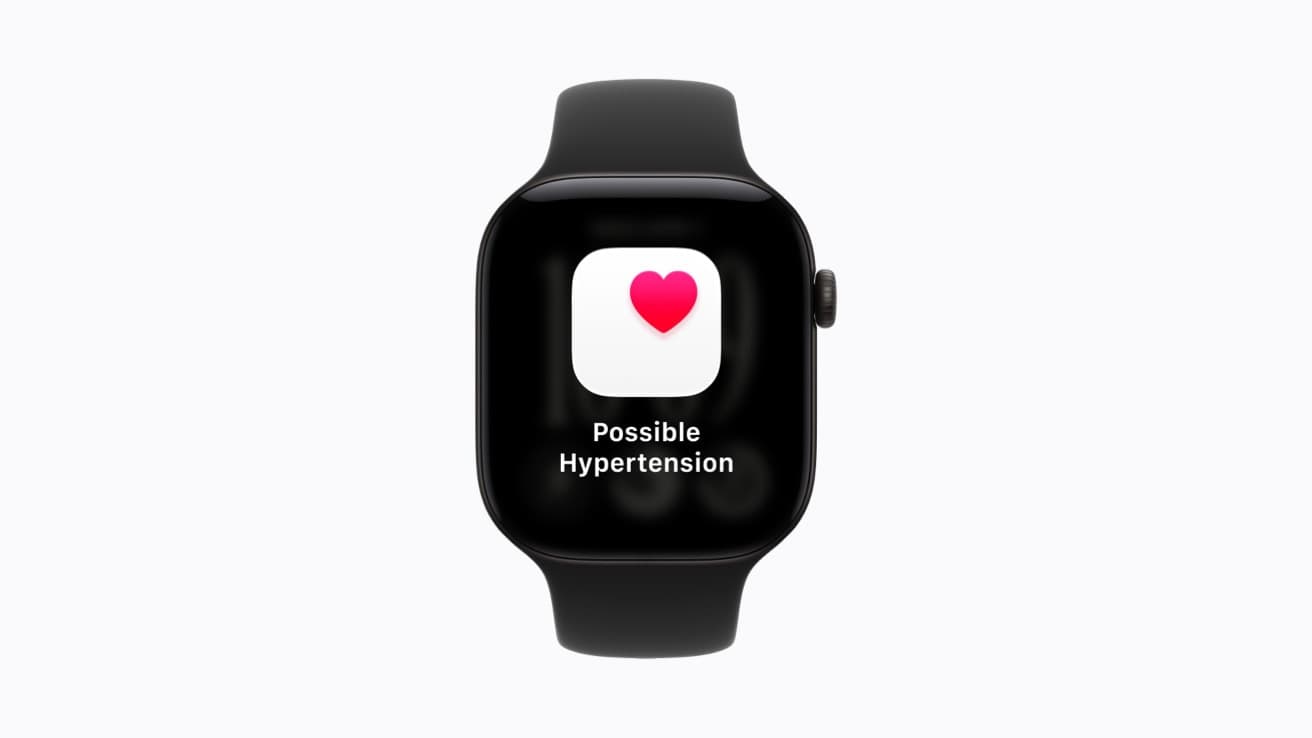
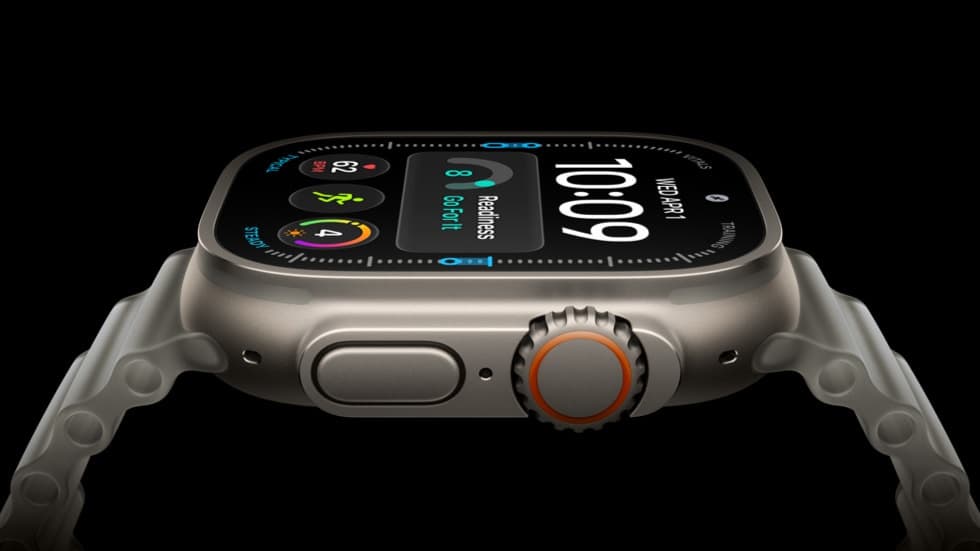
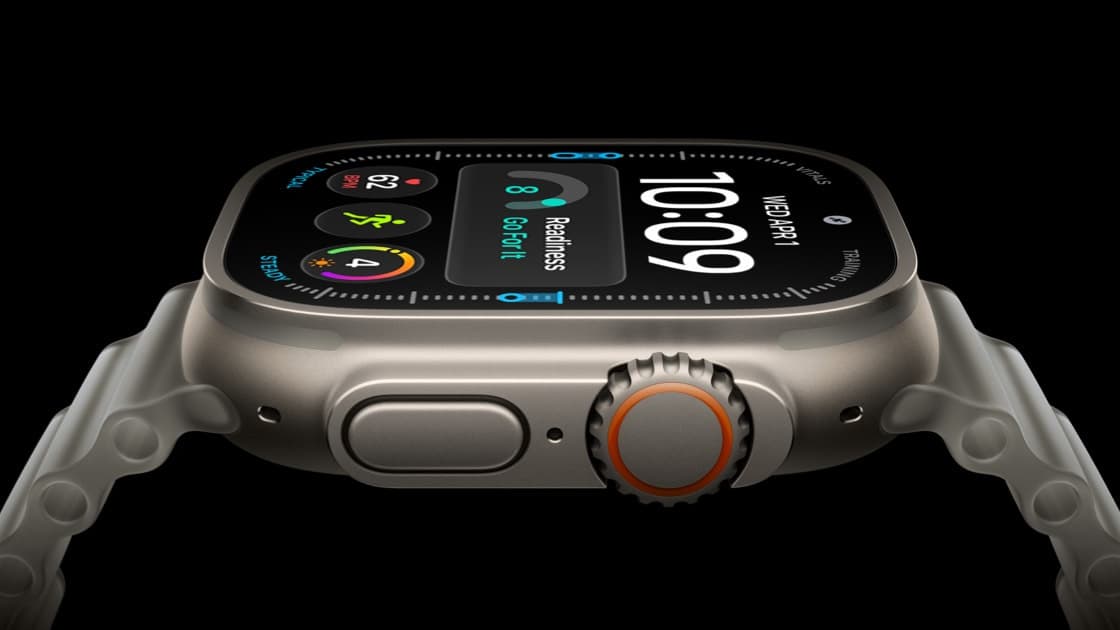
If you own an Apple Watch Series 9 or newer, a free software feature switched on today can flag signs of chronic high blood pressure after watching your heart data for 30 days. Apple's Philippine newsroom confirmed on October 14 that hypertension notifications are now available in the Philippines on Apple Watch Series 9, Series 10, Series 11, Ultra 2 and Ultra 3. The catch is that the newest watches, Series 12 and Ultra 4, are left out here for now.
Which Apple Watch models get hypertension notifications in the Philippines?
Series 9, 10, 11, Ultra 2 and Ultra 3 get the feature today; Series 12 and Ultra 4 do not. Apple says additional regulatory clearances for the two new models are still in process, with availability in the Philippines "expected next year." Apple's watchOS feature availability page lists the Philippines under Hypertension Notifications with the same footnote.
| Model | Hypertension notifications in PH |
|---|
| Apple Watch Series 9 | Yes, from October 14 |
| Apple Watch Series 10 | Yes, from October 14 |
| Apple Watch Series 11 | Yes, from October 14 |
| Apple Watch Ultra 2 | Yes, from October 14 |
| Apple Watch Ultra 3 | Yes, from October 14 |
| Apple Watch Series 12 | No, expected next year |
| Apple Watch Ultra 4 | No, expected next year |
| Apple Watch SE (any) | No, not supported |
The Apple Watch SE line is not supported at all, according to Apple's support page for the feature.
The go-live was first reported locally by Technobaboy on October 14. Apple had already warned of the split in September: a footnote in its Series 12 announcement for the Philippines said the feature would not initially be available in the country on Series 12 or Ultra 4. MacRumors reported at the time that the same caveat applied to 33 countries and regions, including Singapore, Japan and Australia.
How the feature works, and what it is not
This is not a blood pressure reading. The watch's optical heart sensor measures how your blood vessels respond to each heartbeat. An algorithm reviews that data in 30-day periods and sends a notification only if it sees consistent signs of hypertension, the medical term for chronic high blood pressure.
Apple says the machine learning model behind it was trained on data from studies covering more than 100,000 participants and validated in a clinical study of more than 2,000 people. Apple also says plainly that it will not catch every case.
If you get a notification, Apple recommends logging your blood pressure for seven days with a third-party cuff and sharing the results with a doctor. The support page explains the watch will prompt you to set up a Blood Pressure Log for this. That follows current American Heart Association guidance, per Apple's release.
There are three groups the feature is not designed for:
- people under 22;
- people already diagnosed with hypertension;
- people who are pregnant.
Apple's support page notes that an active pregnancy logged in the Health app blocks the feature from being enabled. It also stresses that the watch cannot detect a heart attack, and that the feature does not diagnose or treat conditions such as stroke, atrial fibrillation or heart failure.
How do you turn on hypertension notifications?
You set it up on the iPhone, not the watch. Per Apple's support page, you need the latest watchOS and iOS on an iPhone 11 or later, with Wrist Detection on. Then:
- Open the Health app and tap your profile picture.
- Under Features, tap Health Checklist, then Hypertension Notifications.
- Confirm your age and that you have not been diagnosed with hypertension, then tap Continue.
- Follow the on-screen explanation and tap Done.
The first 30-day evaluation period starts from the moment you finish setup, so the earliest a Philippine user could get a notification is mid-November.
Should you buy a Series 12 for hypertension alerts?
Not if the alerts are the reason you are buying. Apple's September announcement listed the Series 12 from ₱28,990 as "coming soon" to the Philippines, and the same page says the hypertension feature on it will have to wait for clearance expected next year. A Series 11 or Ultra 3 already on sale here gets the feature today.
Apple has not named the Philippine regulator involved; its wording is only "regulatory clearances." That means there is no public timeline beyond "next year," and buyers should treat the Series 12 date as unconfirmed until Apple updates the availability page.
For readers who want an actual cuff-style measurement rather than a pattern alert, HUAWEI's Watch D3 reached the Philippines this month, and it takes a different approach with an inflatable strap. The two are not interchangeable: Apple's feature is a screening prompt, not a reading.
Hypertension affects about 1.4 billion adults worldwide, Apple notes, and is the leading modifiable risk factor for heart attack, stroke and kidney disease. A passive alert that nudges someone to buy a cuff and see a doctor is the realistic benefit here, and that is how Apple itself frames it.