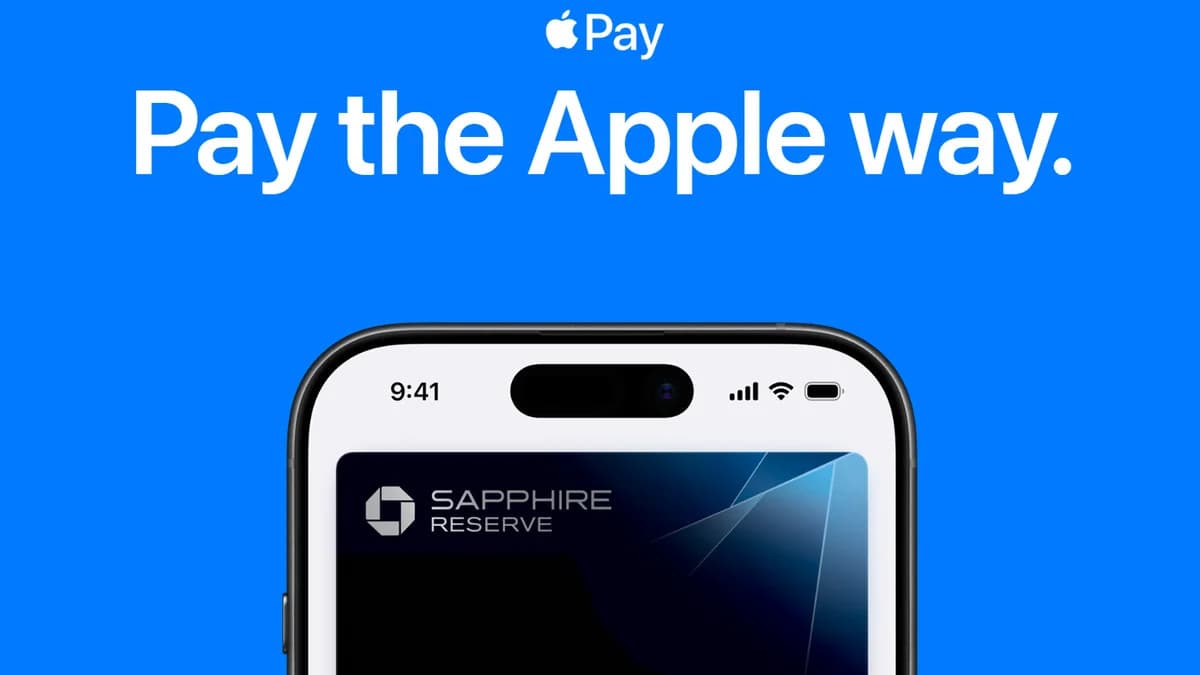
Apple Pay is now working in the Philippines. Filipino iPhone and Apple Watch owners can add supported local debit and credit cards to the Wallet app and tap to pay at stores, after a quiet rollout that began on the evening of August 3, 2026. There was no launch event, no keynote, and no press release. Philippine-issued cards simply started going through, and shoppers reported completed payments at everyday merchants such as convenience stores and coffee shops. That makes this both a milestone for contactless payments in the country and an unusually thin one on official detail.
Which bank cards are working so far
The first cards confirmed to work belong to UnionBank, GoTyme Bank, Metrobank and Chinabank, based on user reports gathered when the rollout started, as MacRumors documented. Apple has not published a Philippine list of participating banks, so this is a live picture built from people actually adding cards, not an official roster.
The groundwork was visible for weeks. Several banking apps had already flipped a "Supports Wallet" flag on their cards, a pre-launch check by ASTIG.PH found, covering BPI, UnionBank, Chinabank, GoTyme Bank, EastWest and Metrobank, along with the money-transfer service Wise and the pay-later app Atome. A separate industry report on August 3 said more banks were preparing announcements within the same week, and described the first wave as deliberately small.
So treat any bank list you see today as provisional. If your card is not accepted yet, that does not mean your bank is out. It usually means tokenisation, the step that turns your card number into a device-specific code, has not been switched on for your card type.
How to add a card to Apple Wallet
- Open the Wallet app on your iPhone.
- Tap the Add (+) button at the top right.
- Choose Debit or Credit Card.
- Scan the card with the camera, or type the details manually.
- Finish your bank's verification. Issuers here are using an SMS code or a phone call, and some use an in-app confirmation.
Once the card sits in Wallet, it works at any terminal that accepts contactless cards. Apple Watch users add cards through the Watch app on the paired iPhone.
Apple itself has not confirmed the launch
This is the part worth being honest about. At the time of writing, Apple has not added the Philippines to its official Apple Pay availability page and has issued no statement, and no participating bank has published a launch announcement either. Everything above comes from the service behaving as launched in the hands of users, corroborated across independent reports. Expect the details, including the full bank list and any card-specific limits, to shift once Apple and the banks confirm.
Why it took this long
The delay was never a regulatory block. Bangko Sentral ng Pilipinas Deputy Governor Mamerto Tangonan said plainly that the central bank "didn't object to it. So, it's up to the banks," in remarks reported before the launch. Earlier in the year, GMA News Online reported that a third-quarter 2026 arrival was the working expectation, with industry figures pointing to the technical certification each issuer has to pass before Apple will switch it on. That timeline held, just barely.
For context, Google Pay reached the Philippines on November 18, 2025 with nine partner institutions. Apple's arrival closes the gap for the iPhone side of the market, which had been stuck with plastic cards or QR wallets. We covered the run-up to this in what was confirmed and what was still rumour about Apple Pay in the Philippines.
What it changes for how Filipinos pay
The practical win is at the terminal. Contactless card acceptance has widened fast here, and Visa and Mastercard tap-to-pay already runs across all 13 LRT-2 stations, so an iPhone with a tokenised card now covers a real share of daily spending without a physical card.
It does not displace QR wallets. GCash and Maya still dominate small-merchant payments, sari-sari stores, and person-to-person transfers, where QR Ph is the rail and Apple Pay simply does not compete. What Apple Pay does is take the card side of the wallet off the plastic. Notably, no bank has announced fees, cashback, or promo pricing tied to Apple Pay, so for now the cost to you is whatever your card already charges.
What to watch next
Three things will tell you how serious this rollout is: whether Apple publishes a Philippine bank list, whether BPI and BDO appear on it, and whether any issuer ties a rewards offer to Wallet transactions. Until then, add your card, test it at a terminal you use often, and keep your physical card in your bag.