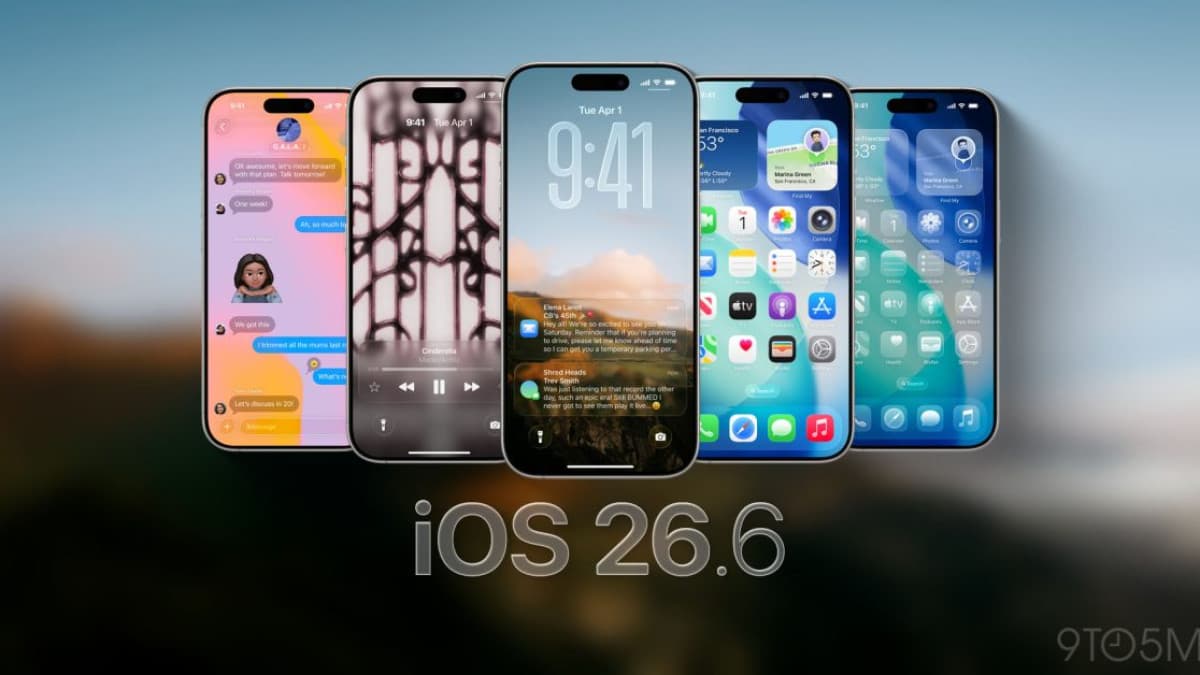
Apple released iOS 26.6 and iPadOS 26.6 on July 27, 2026. There is very little new to look at on screen — the value of this update is almost entirely under the hood: a long list of security patches and a rebuild of the Spotlight search index designed to make the eventual jump to iOS 27 less painful.
What is new in iOS 26.6
Apple's own release note is short: the update "includes bug fixes, security updates and optimizes the Spotlight index to prepare for iOS 27." The visible changes are minor:
- A new "Blocked Contacts Limit Reached" alert that appears when you hit the cap on blocked numbers, pointing you to Settings to remove one first.
- A fix for how Wi-Fi addresses are handled on managed enterprise devices.
- Code for an anti-theft feature that is present but not switched on yet.
The Spotlight work matters more than it sounds. Rebuilding the search index after a major upgrade can take days on a phone with a lot of photos and messages, and beta testers reported week-long indexing after earlier jumps. Doing that work now means less of it in September. The same 26.6 release went out across the whole line — iPhone, iPad, Mac, Apple Watch, Apple TV and Vision Pro — as Engadget noted.
The security fixes are the real reason to update
This is a large security release. Apple's advisory, About the security content of iOS 26.6 and iPadOS 26.6, lists patches across more than 40 system components, including Kernel, WebKit, ImageIO, MediaRemote, AVEVideoEncoder, Contacts, Siri, Sandbox Profiles, Wi-Fi and curl.
Counts published on launch day varied: several outlets reported "more than 75" fixes, while security journalist Kate O'Flaherty counted nearly 90 CVE-numbered fixes in Forbes. Apple's advisory page itself carries close to 90 CVE identifiers, so the higher number is the safer read.
A few of the more serious entries:
- CVE-2026-43818 (ImageIO) — an integer overflow that could allow arbitrary code execution from a maliciously crafted image. Image-parsing bugs are dangerous because a file can reach you through a message without you opening anything.
- CVE-2026-64735 and CVE-2026-64721 (Kernel) — a network filter bypass and a route to sensitive user data. The kernel is the core of the operating system, so flaws here carry the deepest access.
- CVE-2026-64730 (WebKit) — user interface spoofing by a malicious website, the kind of bug used to make a fake login page look genuine.
- CVE-2026-64732 (Accessibility) — an attacker with physical access could reach sensitive data during iPhone Mirroring.
- CVE-2026-64733 (Accounts Framework) — an app could fingerprint the user, meaning quietly identify and track the device.
Apple does not say that any of these were exploited in the wild before the patch. That is reassuring but not a reason to wait: once a fix ships, the underlying flaw becomes public knowledge, and unpatched phones become the easier target.
Which iPhones and iPads can install it
Apple's advisory lists the fixes as available for iPhone 11 and later, and for iPad Pro 12.9-inch 3rd generation and later, iPad Pro 11-inch 1st generation and later, iPad Air 3rd generation and later, iPad 8th generation and later, and iPad mini 5th generation and later.
If you are still using an iPhone XR, iPhone X, iPhone 8 or an older iPad, this update does not reach you — and neither will the fixes above. That is worth knowing in a market where second-hand and hand-me-down iPhones stay in use for years.
Should you install it now, and how to keep it cheap
Yes — this is a security-driven release, and the practical risk of skipping it is higher than the risk of installing it. Two local notes:
- Download on Wi-Fi. A full iOS point release runs to several gigabytes. On a prepaid or capped mobile plan that is an expensive way to patch a phone. Home fibre, office Wi-Fi or a free hotspot is the sensible route.
- Check your free space first. Updates stall on nearly full devices, which is how phones end up sitting unpatched for weeks.
To install, go to Settings > General > Software Update. If you would rather not think about it again, turn on automatic updates in the same screen.
This is likely the last significant update before iOS 27, which Apple has been testing publicly since earlier this month — we covered the first public betas of iOS 27 and its sibling releases. It also follows the smaller iOS 26.5.2 security release that patched more than 25 vulnerabilities.
FAQ
Does iOS 26.6 add any new features I will notice?
Barely. The only visible addition is an alert when you reach the blocked-contacts limit. Everything else is security patches, bug fixes and background preparation for iOS 27.
Will installing iOS 26.6 make my iPhone slower?
There is no indication that it does. The Spotlight indexing work may cause brief battery and background activity right after installation, then settle.
My iPhone is not offering the update. Why?
The most common reasons are an unsupported model (iOS 26.6 requires iPhone 11 or later), not enough free storage, or a staged rollout that has not reached your device yet. Check Settings > General > Software Update again after a day.