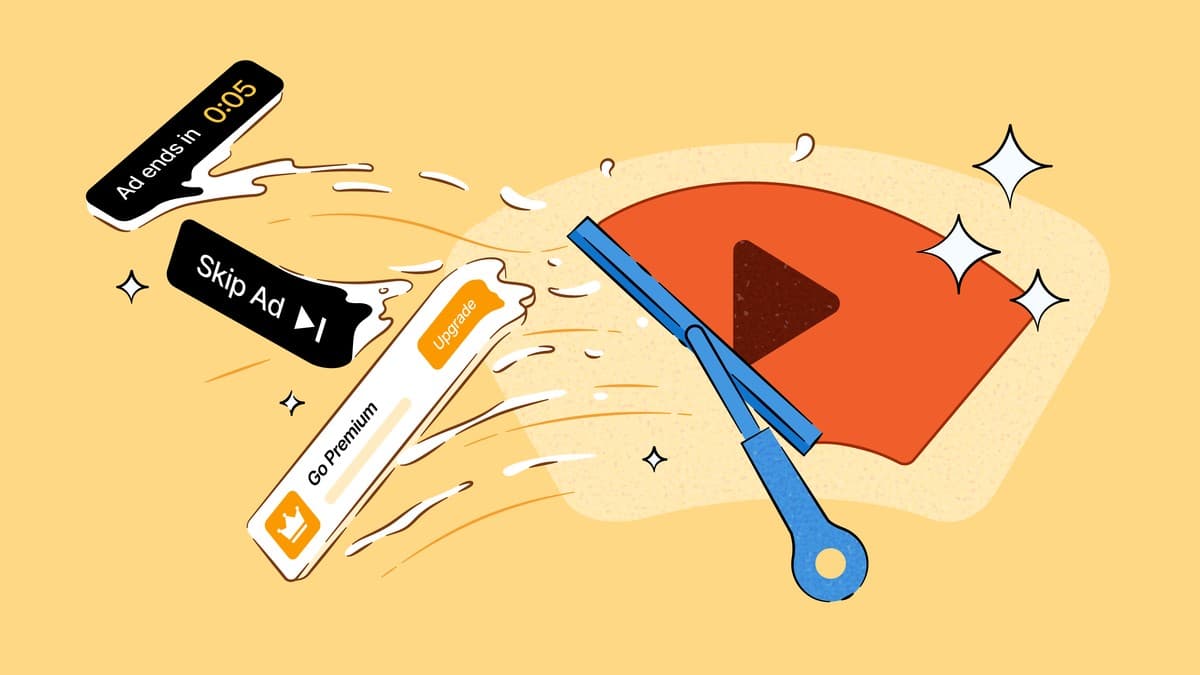
The DuckDuckGo browser now blocks YouTube video ads, and on most devices it does so right out of the box. The privacy-focused company announced the feature on July 8, 2026, adding a built-in ad blocker that skips the ads that play before and during videos on the YouTube website. It is switched on by default for people using the latest version of the browser on iPhone, iPad, Mac, and Windows.
Key Takeaways
- The DuckDuckGo browser blocks YouTube video ads that run before (pre-roll) and during (mid-roll) videos.
- It is on by default for iPhone, iPad, Mac, and Windows; Android users can turn it on now under Settings > Ad Blocking, with automatic activation coming soon.
- The blocker uses community filter lists from uBlock Origin plus DuckDuckGo's own rules to reduce breakage.
- It only works on the YouTube website inside the DuckDuckGo browser, not in the separate YouTube app.
- The browser is free and available in the Philippines on the App Store, Google Play, Mac, and Windows.
What the feature does
When you watch a video on the YouTube website inside the DuckDuckGo browser, the browser now removes the video ads that normally interrupt playback. DuckDuckGo describes it as the regular YouTube experience, just without the ads. Your watch history and playlists keep working as usual, because this is ad blocking rather than a stripped-down player.
DuckDuckGo says the blocker relies on "community-driven filter lists sourced from uBlock Origin" (a well-known open-source ad-blocking project), and adds its own compatibility rules on top to keep pages from breaking. The company warns that ad blocking can add a little extra buffering time before a video starts, and that the feature is new, so it may still have rough edges.
You stay in control. There is a small control in the address bar, and a setting under Settings > Ad Blocking, that lets you switch the feature off completely or pause it for a single video.
Which devices get it, and how to turn it on
The rollout is not identical across every platform. Here is where the feature stands:
| Platform | Default status | How to manage |
|---|
| iPhone / iPad (iOS) | On by default | Settings > Ad Blocking or address bar control |
| Mac | On by default | Settings > Ad Blocking or address bar control |
| Windows | On by default | Settings > Ad Blocking or address bar control |
| Android | Off for now (manual) | Settings > Ad Blocking; auto-enable coming soon |
There is one catch worth remembering on iPhone. If you tap a YouTube link and you have the YouTube app installed, the link often opens in that app instead of the browser. The ad blocker cannot work there. To get ad-free playback, as MacRumors points out, you need to open the YouTube website inside the DuckDuckGo browser itself.
Ad blocking versus Duck Player
The new YouTube ad blocking is separate from Duck Player, a feature the browser already had. Duck Player is a distraction-free "theater mode" for watching YouTube. It blocks tracking cookies and enforces YouTube's strictest privacy settings, so what you watch does not shape your recommendations, though it also will not save that video to your watch history.
The two features are not either-or. You can run YouTube ad blocking for the normal YouTube experience without ads, switch on Duck Player when you want a private, clean viewing window, or keep both enabled at once.
Why this matters now
DuckDuckGo is not the first browser to do this. As Engadget noted, Brave and Opera already block YouTube ads without a third-party extension, and the move reads as a jab at Chrome. The timing is the interesting part. Because DuckDuckGo's browser is its own app and not a Chrome extension, it is not bound by the limits that have hurt ad blockers elsewhere.
Google's Manifest V3 platform change replaced the powerful older extension system with a more restricted one, and the full uBlock Origin extension was removed from the Chrome Web Store in late 2024, with older extensions disabled through 2025. That has made blocking YouTube ads harder in Chrome, Edge, and Opera's Chromium base. A standalone browser that ships its own blocker sidesteps that problem. YouTube, for its part, keeps changing how it serves ads, so this remains a cat-and-mouse game and filter lists will need regular updates.
What This Means for PH Users
The DuckDuckGo browser is free and already available in the Philippines through the App Store, Google Play, and desktop downloads for Mac and Windows, so there is no local launch date or price to wait for. For Filipino users on prepaid mobile data, blocking video ads can also trim the data that autoplaying ads would otherwise burn through, on top of the cleaner viewing. Two honest caveats apply: it only works on the YouTube website inside this browser (not the YouTube app most people use on their phones), and it may add a short buffering delay. If you already lean on privacy tools, this is one more built-in option rather than a reason to switch on its own. For related browser news, see our coverage of Google Chrome's expanded autofill and the UK's plan to bar under-16s from YouTube and other platforms.
FAQ
Does DuckDuckGo block YouTube ads in the YouTube app?
No. The blocker only works on the YouTube website opened inside the DuckDuckGo browser. It does not work in the separate YouTube app.
Is the feature free?
Yes. The DuckDuckGo browser is free to download and use, including this ad-blocking feature.
How do I turn it on for Android?
Open the browser and go to Settings > Ad Blocking to enable it. DuckDuckGo says it will start turning the feature on automatically for Android users soon.