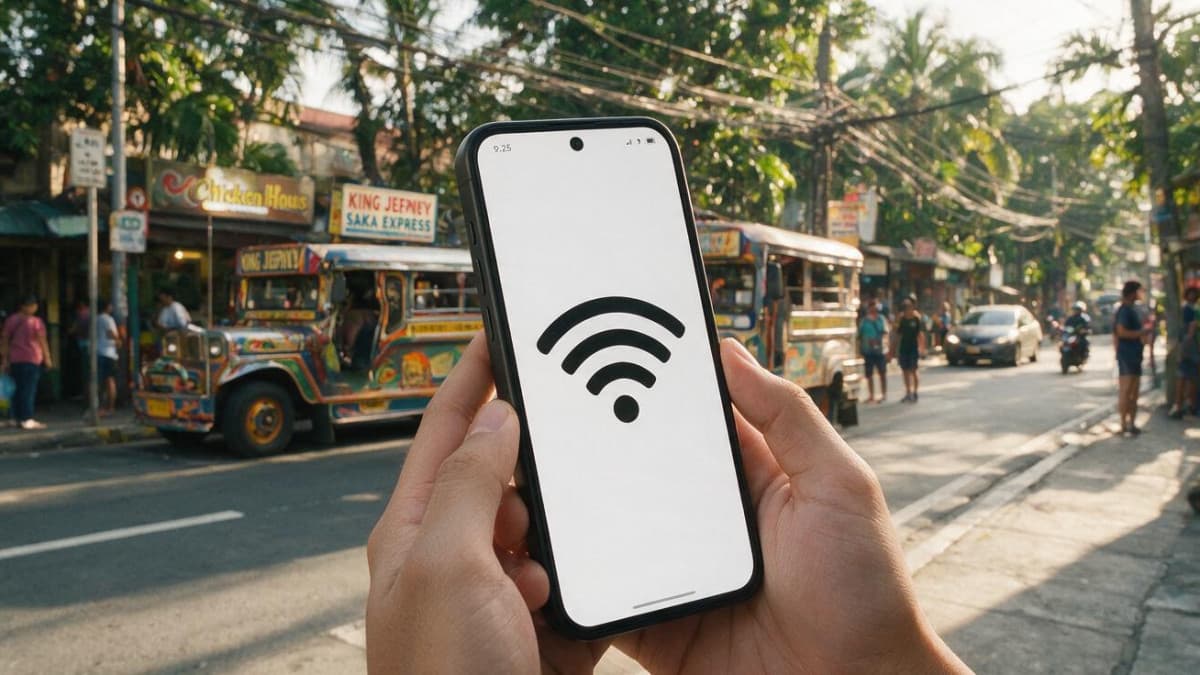
The Department of Information and Communications Technology (DICT) is urging Filipinos to be more careful with free public WiFi, warning that these open networks are a favorite hunting ground for hackers. Together with global cybersecurity firm Kaspersky, the agency has laid out simple, practical steps to help people use free internet in malls, cafes, airports, and hotels without giving away their passwords, bank details, or personal data.
The DICT's message is short and direct: "Hindi lahat ng 'Free WiFi' ay safe space. Stay connected, pero stay protected" — meaning not every network labeled "Free WiFi" is a safe space, so stay connected but stay protected.
Key Takeaways
- The DICT warns that free public WiFi in malls, cafes, airports, and hotels can let hackers intercept your data.
- Its basic rules: do not open banking apps, check that the network name is real, turn off auto-connect, and log out after use.
- If you must access your bank, switch to your own mobile data instead of public WiFi.
- Kaspersky adds: use a trusted VPN, keep two-factor authentication on, and turn off file sharing or AirDrop.
- Watch for "evil twin" hotspots — fake networks named to look like the official one.
Why free public WiFi is risky
Public WiFi is the free internet offered in busy places like malls, coffee shops, airports, and hotels. It is convenient, but most of these networks have little to no security checks. That makes it easy for an attacker who is also connected to quietly intercept — secretly capture — the data you send and receive.
Kaspersky's head of consumer channel for Asia Pacific, Choon Hong Chee, said that because these hotspots are so open, criminals use them to steal personal information and login details, and to spread malware (harmful software that damages or spies on your device). A hacker does not even need a password to join most public networks. Once inside, they can try to slip between you and the WiFi access point to watch your traffic.
The DICT's basic rules for public WiFi
The DICT's core advice is easy to follow:
- Do not open your banking apps while on public WiFi.
- Check that the network name is the real, official one before you connect.
- Turn off auto-connect so your phone does not join unknown hotspots on its own.
- Log out of your accounts once you are done.
If you really need to check your bank, the agency says to use your own mobile data instead of the public network. Mobile data (your telco's cellular connection) is much harder for a nearby stranger to snoop on than an open hotspot.
Watch out for 'evil twin' networks
One of the sneakiest tricks is the "evil twin." In a public advisory posted on the National Privacy Commission (NPC) website, an NPC information technology officer explained that hackers set up fake hotspots with trustworthy-sounding names like "Mall_FreeWiFi," "CoffeeShop_Guest," or "Airport_Guest." You think you are joining the official network, but you have actually connected straight to the hacker.
The same advisory described other everyday risks in plain terms:
- Someone sitting "between you and the internet" can eavesdrop on your messages, passwords, or card numbers — a setup security experts call a man-in-the-middle attack.
- Your device may automatically share files with others on the same network, giving an attacker a way in.
- In the worst case, an attacker plants ransomware — malware that locks your device until you pay — or quietly steals your files.
The officer's blunt summary was that logging into your bank or shopping online over free WiFi is "like giving a stranger your ATM card and PIN code." The NPC noted that the piece reflects the author's own views, not an official agency position.
Kaspersky's extra layers of protection
For stronger defense, Kaspersky recommends going beyond the basics:
- Use a trusted VPN. A VPN (virtual private network) scrambles your internet traffic through encryption, so even if someone captures it, they cannot read it.
- Keep your device firewall turned on and run reliable security software that is updated regularly.
- Update your operating system and apps often to close security holes.
- Use a unique password for every account, and turn on two-factor authentication (2FA) — a second login step, such as a code sent to your phone.
- Store passwords in a secure password manager instead of saving them in photos or notes.
- Turn off file sharing or AirDrop when you are not using them.
- When traveling abroad, consider a dedicated eSIM for internet access instead of relying on public hotspots.
Why It Matters
The warning lands at a time when online crime is hitting many Filipinos hard. In fact, one recent study found that 57% of Filipinos have fallen victim to cybercrime even though most say they feel safe online. Free WiFi is everywhere in Philippine malls, transport hubs, and cafes, so a few simple habits — skip the banking apps, verify the network, and switch to mobile data for anything sensitive — can be the difference between a convenient browse and a drained bank account. None of these steps cost money; they mostly cost a moment of caution before you tap "Connect."
FAQ
Is it safe to use my banking app on public WiFi?
No. Both the DICT and cybersecurity experts advise against opening banking apps or making sensitive transactions on public WiFi. If you must, switch to your own mobile data instead.
How can I tell if a free WiFi network is fake?
Confirm the exact network name with the establishment before connecting. Hackers create "evil twin" hotspots with official-looking names, so a network that merely looks legitimate is not proof that it is real.
Does a VPN really help on public WiFi?
Yes. A VPN encrypts, or scrambles, your internet traffic, so even if an attacker intercepts it, the data is unreadable. Kaspersky and the NPC advisory both recommend using a trusted VPN on public networks.
Sources: